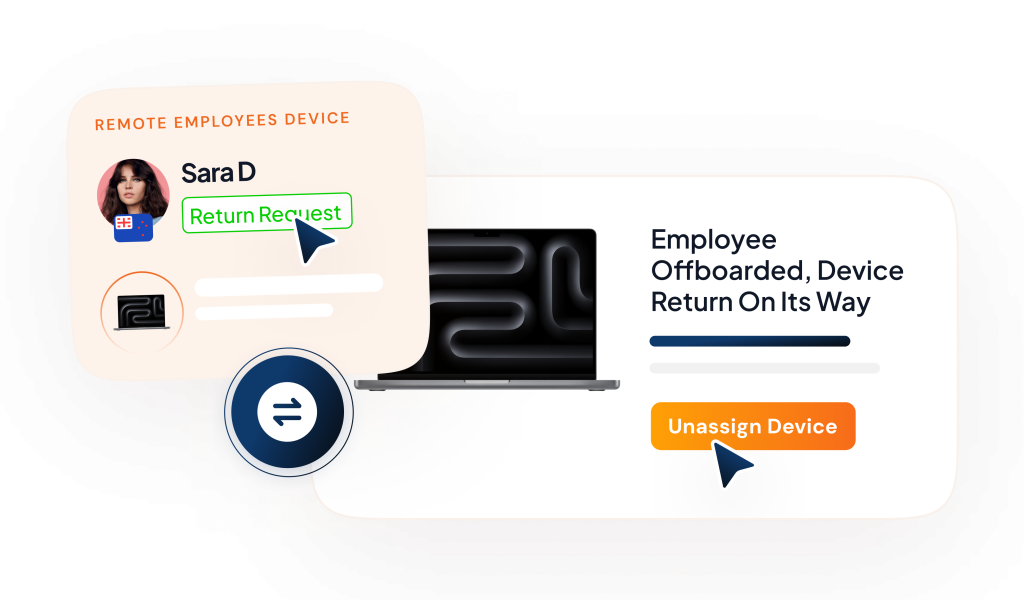
Remote work changed everything for teams, but it also made one task tricky: getting company Devices back when people leave. Remote employee returning equipment is now a critical part of the offboarding process. Collecting items such as laptops and phones can feel like a daunting task for both the organization and the departing employee.
That’s where a laptop return service or IT asset retrieval service comes in. They handle the pickup and delivery, so you don’t have to chase devices across the country.
Why Is Equipment Return Important for Remote Employees
When a remote employee leaves the company, remote employee returning equipment should be handled with care to ensure all devices, including laptops and phones, are securely returned to avoid potential security risks.
These devices often contain sensitive company information, and failing to recover them can pose significant security risks.
In February 2016, a departing FDIC employee copied sensitive data on 44,000 banking customers to a USB drive, spotlighting insider threats during off-boarding. Though the device was recovered quickly with no misuse, it exposed gaps in device controls and timely asset recovery, reinforcing why firms need strict employee equipment return policies and swift IT asset retrieval to safeguard data.
Without proper device recovery, companies face the risk of data breaches, loss of intellectual property, and even damage to their reputation.
For businesses, ensuring IT devices are back from employees also means minimizing the risk of lost equipment and safeguarding confidential information. It’s a responsibility that should be taken seriously to protect the company’s digital infrastructure.
Without a proper return process, you could face a situation where critical data is compromised or equipment goes missing, both of which can be costly.
Common Challenges When Collecting Equipment from Remote Employees
Remote work makes getting company gear back tough. Here are the top hurdles, broken down simply.
Location Issues
Employees live in different cities or countries, so returning equipment takes longer. Without a nearby office, everything depends on shipping.
Late or Missing Returns
Remote employees often delay returning laptops or forget completely, especially after leaving the company.
Packing & Shipping Confusion
Employees may not know how to pack devices properly. Poor packing can damage laptops, and missing return labels cause extra cost and stress.
Data Security Risks
Returned devices may still contain company data. Lost or stolen shipments can lead to serious data leaks.
Extra Equipment Pile-Up
Items like keyboards, mice, monitors, or desks are harder to return. Employees often don’t want to ship large or bulky items.
No Tracking Visibility
Without tracking, companies don’t know where the device is. Packages can get lost with no updates or proof of delivery.
Best Practices for Managing Laptop Returns from Remote Employees
Implementing clear procedures for remote employees returning equipment ensures a smooth and secure offboarding process. Efficient laptop returns help protect company assets and maintain operational continuity. Follow these best practices to effectively manage laptop returns for remote employees.
Set Clear Deadlines
Give a firm date, like 5-7 days post-resignation. Send calendar invites and auto-reminders to avoid delays in return a laptop.
Provide Shipping Kits
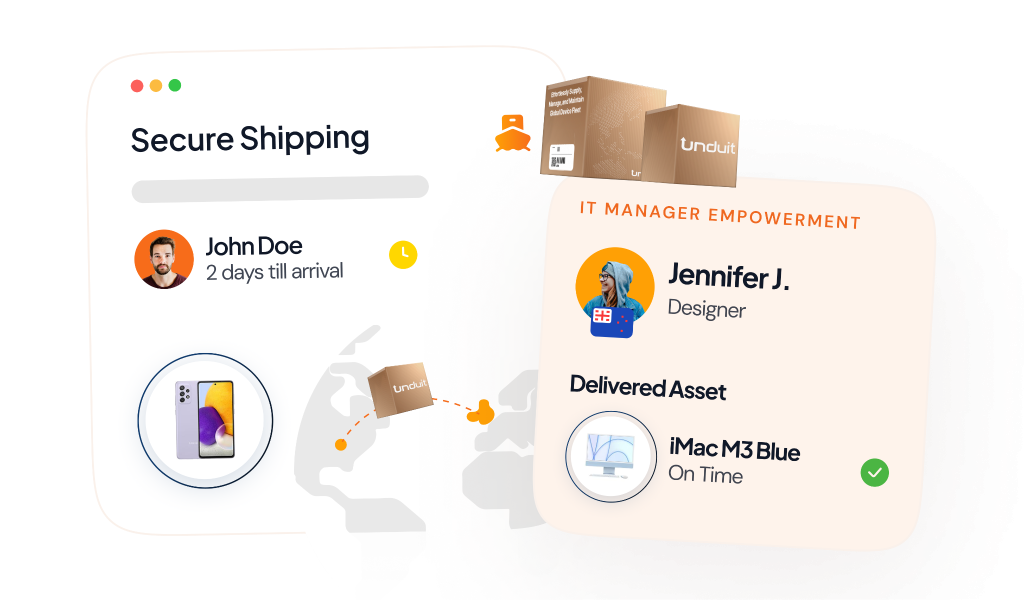
Mail prepaid boxes, labels, and checklists. Include bubble wrap and “fragile” stickers for safe best practices for collecting laptops from remote employees.
Use Digital Tracking
Share tracking links instantly. Require photo proof of packing and serial numbers before shipping.
Wipe Data Remotely First
Enable remote wipe via MDM tools. Confirm erase before return to protect info.
Leverage Asset Lifecycle Platforms
Platforms like Unduit track devices end-to-end. They send auto-reminders, show real-time dashboards, and integrate with HR for offboarding, perfect for remote IT asset retrieval.
Offer Support Channels
Set up a hotline or chat for questions. Guide on how to pack and what peripherals to skip.
Retrieve Equipment from Terminated or Resigning Employees
Getting gear back from leaving workers needs a fast, clear plan. How to get equipment back from terminated employee starts with HR/IT teamwork here’s how.
Send Instant Instructions
Email how to return company laptop after resignation right away. Include a list of items, prepaid labels, and a letter of returning company property template they sign.
Remote Wipe First
Use MDM tools to erase data remotely before shipping. Locks down sensitive info instantly.
Schedule Pickup or Drop-Off
Offer free pickup via services or local drop points. Track with shared links for peace of mind.
Automated Follow-Ups
Set automated reminders via email and text through asset lifecycle management platforms. No manual chasing tools ping daily until confirmed, preventing forgets and boosting returns.
Verify on Arrival
Check condition, log serials, and send receipt. Thank them to end on good terms.
Consequences of Not Returning Company Equipment
When employees fail to return company-owned equipment like laptops or phones, it creates operational disruptions, security risks, and potential financial losses. While employers cannot physically force returns, they can pursue lawful remedies such as:
- Sending formal demand letters
- Filing small claims court actions for the equipment’s value
- Negotiating reimbursement tied to final pay, where permitted by state law.
Clearly documenting these expectations in a company property return policy from day one promotes compliance and equips employers to mitigate losses effectively. In parallel, employers can protect sensitive information by remotely locking devices or by remotely wiping sensitive data via MDM tools.
Unduit Laptop Return Services
For many businesses, outsourcing the return of company equipment to specialized services, like Unduit laptop return services, is the most effective solution.
These services simplify the entire return process, from pickup to packaging and shipping, ensuring that the equipment is returned in a timely and secure manner.
By utilizing such services, companies can minimize the time spent on retrieving equipment and focus their resources on other priorities. The logistics service takes care of the heavy lifting, making sure all items are returned without causing unnecessary delays.
FAQs
Q1: How can employers legally and efficiently recover equipment from a terminated employee?
Employers can legally recover equipment by using a documented offboarding process with clear return instructions and prepaid shipping. Unduit simplifies this by coordinating laptop retrieval, shipping kits, reminders, and tracking while staying compliant with labor laws.
Q2. What is the best process to get company equipment back from a terminated employee remotely?
he most effective process is a structured remote retrieval workflow that removes friction for the ex-employee. Unduit enables companies to ship prepaid return kits directly to the employee, automate follow-ups, and track returns in real time.
Q3. How long do employees typically have to return company property after termination?
Most companies require equipment to be returned within 7 to 14 days after termination, depending on internal policy and local regulations. Unduit helps enforce these timelines by sending clear instructions, automated reminders, and tracking milestones.
Q4. Do employees have to pay out of pocket to return company equipment?
In most cases, employees should not be required to pay to return company equipment, especially in the U.S. Unduit removes this concern entirely by providing prepaid shipping labels and return kits. Covering return costs improves cooperation and accelerates recovery.
Q5. What happens if an employee does not return company-issued work equipment?
When equipment isn’t returned, companies legally can’t force employees to send it back under U.S. regulations. Unduit helps reduce this risk by increasing recovery rates through automated reminders, managed logistics, secure device tracking, and remote data protection if retrieval stalls.
Q6. What is the correct way to return a company laptop after resigning from a job?
The correct way is to follow employer instructions, securely package the device, and ship it using the provided return method. Unduit standardizes this process by sending padded boxes, prepaid labels, and simple instructions directly to the employee, ensuring the laptop is returned safely, on time, and fully traceable.
Q7. What do companies typically do with laptops after they are returned by employees?
Returned laptops are usually assessed, wiped, and then reused, redeployed, resold, or recycled based on condition. Unduit supports this lifecycle by ensuring devices are securely retrieved and ready for IT teams to refurbish or decommission.