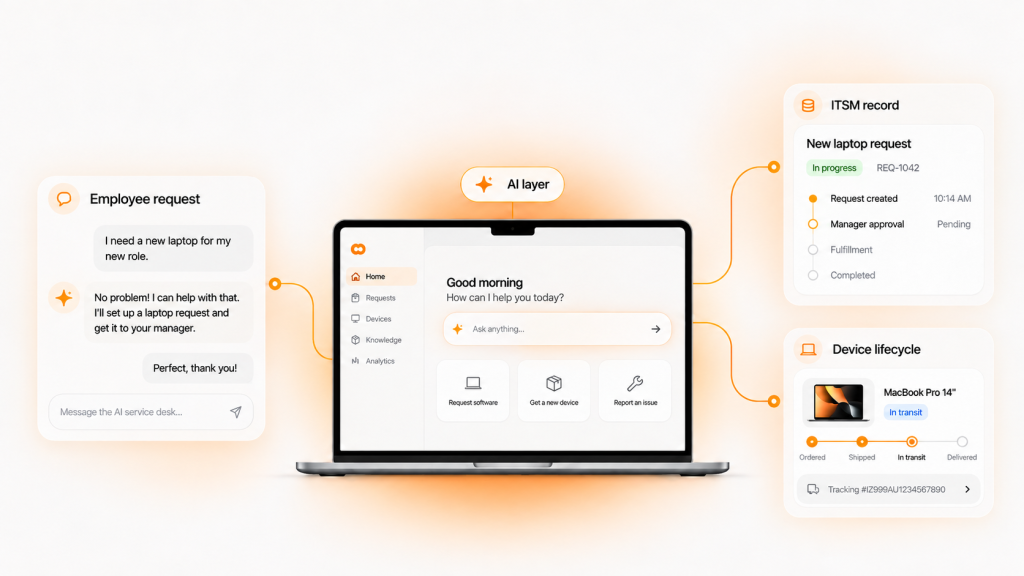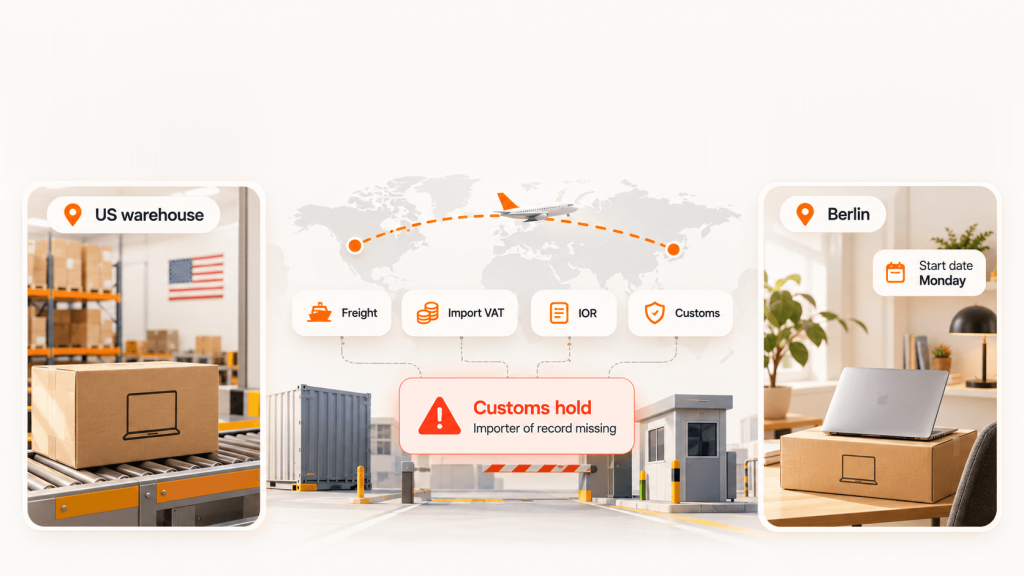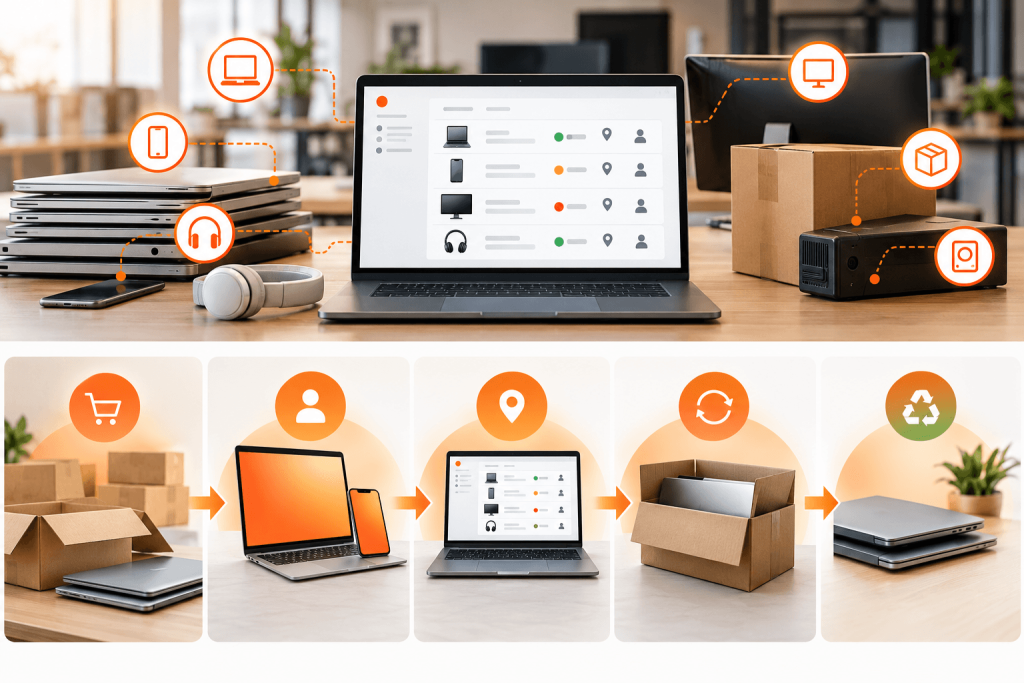
An IT manager tags 40 new laptops on Monday. By Friday, three of those employees have resigned, two laptops are at a repair depot and one is sitting in a carrier hub. The tracker still shows all 40 as “assigned.”
That’s the gap most asset tracking software reviews skip. Feature lists tell you what a tool can record. User reviews tell you where the record stops matching reality.
This guide compares six IT asset tracking tools using vendor pricing, Capterra review data and one question every distributed team eventually asks: what happens to the device after the employee leaves?
Scope: this review covers IT assets such as laptops, phones, monitors and peripherals. Fleet, field equipment and maintenance (CMMS) tools aren’t included.
TL;DR
- Full lifecycle and recovery: Unduit connects tracking to procurement, shipping, retrieval, data wiping and recycling.
- Custody and check-out: EZO AssetSonar is well suited to tracking who holds what.
- Discovery first: Lansweeper and ManageEngine AssetExplorer find devices on your network automatically.
- Lowest cost: Snipe-IT is free to self-host, and AssetTiger starts at $220/yr for 500 assets.
- Common gap: Most trackers record a departed employee’s laptop but don’t get it back.
What is asset tracking software?

Asset tracking software records what IT equipment you own, who has it, where it is and what condition it’s in. It replaces spreadsheets with a searchable inventory, usually fed by barcode or QR tags, network discovery or MDM data.
It’s narrower than full IT asset management (ITAM), which adds contracts, costs and disposal. Most tracking tools don’t physically move a device.
| Category | Asset tracking | IT asset management | Asset recovery |
|---|---|---|---|
| Answers | Where is it, and who has it? | What does it cost across its lifecycle? | How do we get it back? |
| Typical output | Inventory and custody records | Contracts, depreciation, licenses | Pickups, wipes, redeployment |
How we evaluated these tools
- Lifecycle coverage: how far the tool goes beyond recording, from procurement to recovery and disposal
- Offboarding support: what the tool does when an employee leaves
- Integrations: MDM (Microsoft Intune, Jamf), identity, HRIS and help desk connections
- Discovery: does it find devices automatically, or depend on manual entry?
- Pricing transparency: published cost at roughly 500 devices
- User sentiment: Capterra ratings and recurring complaints
Tools are ordered by lifecycle coverage and offboarding support, the two criteria that matter most for distributed teams. Prices and ratings were checked on vendor pricing pages and Capterra on October 16, 2026.
Best IT asset management software for tracking: comparison
| Tool | Well suited to | Published price (about 500 devices) | Discovery | Capterra rating | Recurring complaint |
|---|---|---|---|---|---|
| 1. Unduit | Tracking tied to procurement, recovery and recycling | Freemium software; usage- and service-based quotes | Through MDM and ITSM integrations | 4.8 (50) | Not a network scanner |
| 2. EZO AssetSonar | Custody, check-in/check-out and MDM sync | $0.75/asset/mo, billed annually (about $4,500/yr) | Agent, network and MDM | 4.6 (38) | Custom field limits |
| 3. Lansweeper | Finding every device on the network | Free up to 100 assets; Starter includes 2,000 assets, billed annually | Agentless and agent-based | 4.5 (75) | Steep learning curve |
| 4. ManageEngine AssetExplorer | Structured ITAM with audit reporting | $1,795/yr on-premises; $2,345/yr cloud | Agent and network scans | 4.6 (13) | Gaps for devices off the main network |
| 5. Snipe-IT | Teams with sysadmin capacity and a tight budget | Free self-hosted; $399.99/yr hosted | None built in | 4.4 (22) | Setup and import effort |
| 6. AssetTiger | Small inventories moving off spreadsheets | $220/yr for up to 500 assets | Barcode and QR only | 4.6 (271)* | Unexpected pricing changes |
*As displayed on AssetTiger’s pricing page.
Vendor pricing, packaging, asset allowances and feature entitlements change often. Base final comparisons on current vendor quotes and plan documentation.
Asset tracking software reviews: six tools in depth
1. Unduit
Well suited to: distributed teams that need tracking connected to procurement, shipping, recovery and recycling.
Disclosure: Unduit publishes this article.
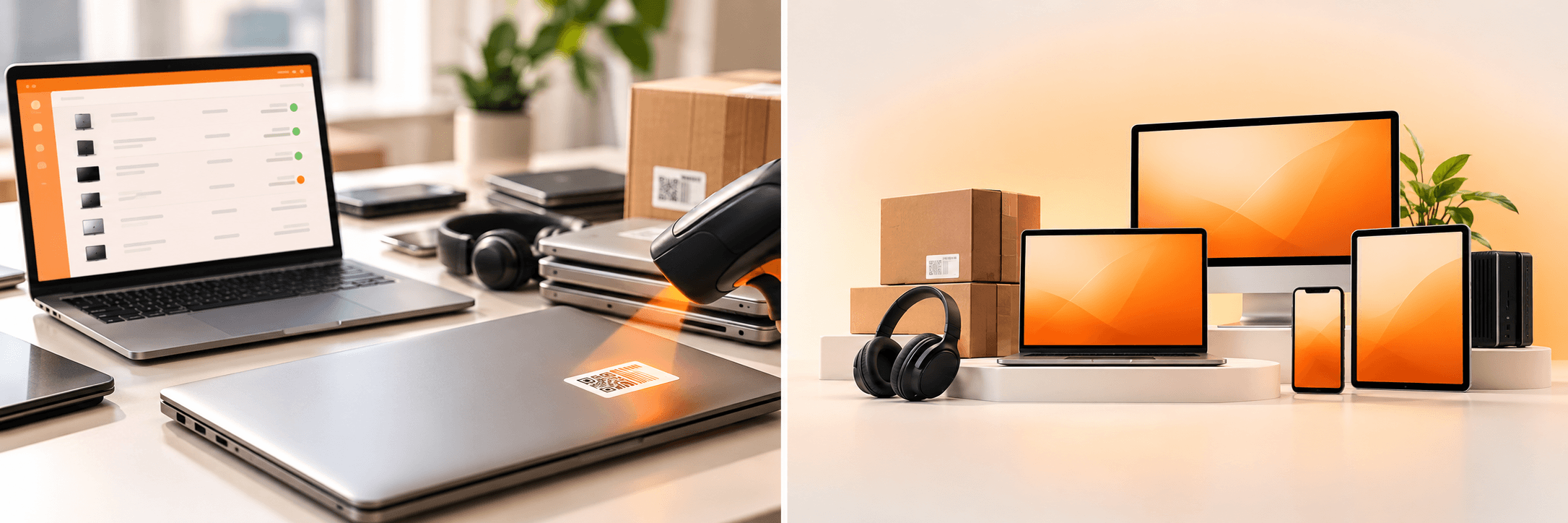
Unduit is an ITSM-native device lifecycle platform. Instead of scanning networks, it pulls device data from your MDM, HRIS and service desk, then manages the physical steps around each device across 100+ countries. That means the asset record and the device’s real location stay in step, including after an employee leaves.
- Strengths: HRIS-triggered offboarding, automated pickup scheduling, chain of custody and R2-certified recycling
- Integrations: Jira, ServiceNow, Microsoft Intune, Jamf, Kandji, Workday, BambooHR and Okta
- Where it falls short: it isn’t a network discovery scanner, so pair it with an MDM or discovery tool. It’s built for mid-market teams.
2. EZO AssetSonar
Well suited to: mid-market teams that need custody records, check-in/check-out and MDM sync.
ITAM pricing is $0.75 per asset per month, billed annually, with a 100-asset minimum. An ITSM tier at $1.08 per asset adds ticketing.
- What reviewers like: ease of use, integrations and audit readiness
- What reviewers flag: limits on custom fields (Capterra)
- Where it falls short: at about $4,500/yr for 500 devices, it costs more than lighter trackers, and physical recovery still sits with your team.
3. Lansweeper
Well suited to: teams that need to find every device on the network, including ones nobody registered.
Lansweeper is a discovery engine first. It scans networks without agents, adds agents for remote machines and imports data from Intune and other MDMs. Its pricing page lists a free tier for up to 100 assets after a 14-day trial, and a Starter plan that includes 2,000 assets.
- What reviewers like: broad scanning across operating systems and virtual servers, plus strong reporting
- What reviewers flag: a steep learning curve, and the classic version runs on your own server (Capterra)
- Where it falls short: full API and webhook access is reserved for Enterprise. It finds devices but doesn’t run offboarding or returns.
4. ManageEngine AssetExplorer
Well suited to: teams that want structured ITAM, audit reports and published per-asset pricing.
AssetExplorer charges by IT asset, with no technician limit. Covering 500 assets costs $1,795/yr on-premises or $2,345/yr in the cloud.
- What reviewers like: easier audit preparation, discovered assets linked to people and a built-in CMDB
- What reviewers flag: discrepancies for computers on a different subnet or behind a VPN (Capterra)
- Where it falls short: remote laptops need careful agent and VPN planning, which matters for distributed fleets.
5. Snipe-IT
Well suited to: budget-conscious teams with a sysadmin who can run it.
Snipe-IT is open source and free to self-host, with unlimited users and assets. Hosted plans start at $399.99/yr.
- What reviewers like: zero license cost and simple check-out workflows
- What reviewers flag: setup, imports and reporting take work (G2)
- Where it falls short: it has no built-in network discovery agent, so records depend on manual entry, barcode scans or integrations.
6. AssetTiger
Well suited to: small teams moving off spreadsheets.
Older reviews describe AssetTiger as free. Its pricing page now lists a 30-day trial for up to 250 assets and two users. Paid plans start at $220/yr for up to 500 assets, with unlimited users.
- What reviewers like: low cost, unlimited users and mobile barcode scanning
- What reviewers flag: at least one reviewer was caught off guard by a pricing change (Software Finder)
- Where it falls short: it’s built for general fixed assets, with no network discovery or MDM sync.
How much does asset tracking software cost?
Vendors price in different units, which makes side-by-side comparisons hard:
- Usage and service based: lifecycle platforms such as Unduit
- Per asset: EZO AssetSonar, ManageEngine AssetExplorer
- Asset bands: AssetTiger, Lansweeper
- Flat hosting fee: Snipe-IT
For about 500 devices, published software prices in this review range from $0 for self-hosted Snipe-IT to roughly $4,500/yr. Budget separately for asset tags, scanners, implementation and integration work.
The larger cost is often the hardware that never comes back.
Where asset tracking tools stop

Tracking shows where a device should be. It doesn’t get it back.
Capterra found hybrid and remote employees were 17% more likely not to return company equipment than on-site staff. When someone leaves, most trackers simply mark the laptop “pending return.” Someone still has to:
- Ship a return kit or schedule a pickup
- Follow up with the former employee
- Track the device in transit
- Wipe it to NIST SP 800-88 and keep the certificate
- Decide whether to redeploy, resell or recycle it
Before you buy, ask each vendor:
- Does an HRIS termination update the asset record automatically?
- Who arranges the pickup, and in which countries?
- Are wipe certificates attached to the device record?
The record says “assigned.” The employee left in May.

A tracker can show you a departed employee’s laptop for months. It can’t send the return kit, follow up or confirm the wipe. For distributed teams, that work usually falls back on IT, one email at a time.
Unduit connects the full device lifecycle to your service desk and asset records, from procurement and deployment through recovery and retirement. Its AI-powered IT agent automates the follow-up while you keep full control and visibility:
- Automated pickup scheduling: sends reminders and arranges device pickups without manual follow-up.
- Real-time tracking dashboard: monitors laptops, monitors and peripherals in transit from anywhere.
- Smart inventory updates: logs returned devices, records their condition and syncs with your asset management system.
- Refurbish and redeploy recommendations: suggests repair, upgrade or redeployment options to maximize asset value.
- Secure chain of custody: logs every step for audits, with R2-certified recycling at end of life.
- Global support: handles domestic and international shipments across 100+ countries.
- Employee-friendly communication: keeps departing employees updated by email, text or phone.
Unduit works alongside the tracker or MDM you already run, so you don’t have to replace your discovery tool to close the recovery gap.
FAQs
Q1: What is the best asset tracking software?
It depends on the gap you’re solving. For distributed teams that need devices tracked and recovered, Unduit is a strong fit because it connects records to pickups, wiping and recycling. EZO AssetSonar suits custody tracking, Lansweeper and ManageEngine AssetExplorer suit discovery-heavy environments, and Snipe-IT and AssetTiger suit tight budgets.
Q2: Is there free asset tracking software?
Yes. Unduit offers freemium software, Snipe-IT is free when self-hosted, and Lansweeper offers a free tier for up to 100 assets. AssetTiger now lists a 30-day trial rather than a permanent free plan, so check current terms.
Q3: How much does asset tracking software cost?
For about 500 devices, published prices in this review run from $0 (self-hosted Snipe-IT) to about $4,500 per year. Tags, scanners, setup and integrations add to the total.
Q4: Can asset tracking software track laptops for remote employees?
Yes, through agents or MDM integrations such as Intune and Jamf. Trackers lose sight of devices that are offline, in transit or boxed for return, so pair tracking with an offboarding and recovery process.
Q5: What’s the difference between asset tracking and IT asset management?
Asset tracking records where a device is and who has it. IT asset management covers the full lifecycle, including costs, contracts, licenses and disposal.