We know how it feels when tickets pile up, and repairs take too long. Employees call IT about issues that could have been fixed faster. Small IT teams often juggle lost tickets, slow response times, unmanaged devices, and scattered information.
Does this sound familiar?
The right helpdesk ticketing system or helpdesk software makes a big difference. It cuts downtime, brings order to support, and lets your team focus on important projects instead of constant emergencies.
Key Takeaways
- A modern helpdesk ticketing system is essential for reducing downtime and improving IT support efficiency in SMBs.
- Core value comes from automation, SLAs, and centralized ticket management that streamline workflows.
- A structured rollout plan (30–90–180 days) ensures smooth adoption and long-term success.
- If tickets are lost, delayed, or unmanaged, it’s a clear sign your current system is holding you back.
Manual tracking is a known bottleneck: surveys show 13% of organizations still track IT assets manually and 4% have no process at all, which increases the risk that tickets are delayed, duplicated, or missed.
Key Benefits of a Modern HelpDesk Platform
A robust helpdesk ticketing system can transform how SMBs handle IT operations.
Benefits:
- Faster ticket resolution → improved productivity.
- Predictable SLAs → better internal service visibility.
- Knowledge reuse → fewer repeated issues.
- Auditability → supports compliance and reporting.
- Asset-linked support → ITAM integration ensures device accountability.
Evaluating HelpDesk Software Like an IT Leader
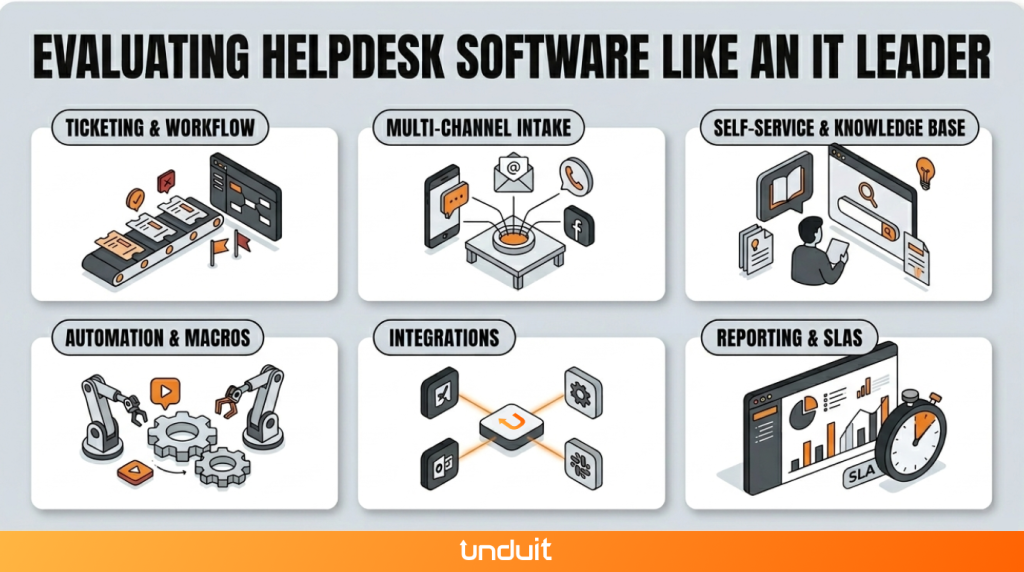
When evaluating a help desk software or incident management software, SMB IT leaders should focus on features that simplify workflows, reduce manual effort, and improve visibility. Here’s a detailed look:
Ticketing & Workflow
- Centralized system for logging all IT tickets, requests, and incidents.
- Automatic prioritization of tickets to ensure critical issues are addressed first.
- Ticket categorization and tagging for easy filtering and reporting.
- Workflow management to assign, escalate, and resolve tickets efficiently.
- Collaboration tools for IT staff to share notes and hand off tickets seamlessly.
- Alerts and reminders to prevent tickets from being overlooked.
Multi-channel Intake
- Support for multiple channels: email, web portal, chat, and phone.
- Unified ticket creation regardless of the channel used by employees.
- Easy access for employees to submit requests without learning a new tool.
- Option to consolidate repeated or similar requests to avoid duplication.
- Visibility across channels so IT can track the status of all requests in one place.
Self-service & Knowledge Base
- Centralized knowledge repository accessible to employees for common issues.
- Searchable FAQs and guides to reduce repetitive tickets.
- Ability to create and update articles quickly as new solutions are discovered.
- Canned responses and templates for common issues to speed up replies.
- Option for end-users to track ticket progress and find solutions independently.
Automation & Macros
- Automated ticket assignment based on department, severity, or agent availability.
- Predefined responses and macros to handle recurring issues quickly.
- Automatic escalation of overdue tickets to maintain SLA compliance.
- Streamlined repetitive processes to free up IT staff for more complex issues.
- Trigger-based notifications to keep both IT and employees informed.
Integrations
- Connect with IT asset management (ITAM) tools to link devices and tickets.
- Integration with configuration management databases (CMDB) for accurate tracking.
- Ability to connect with monitoring tools to auto-generate tickets for alerts.
- Single sign-on (SSO) support for simplified access and security.
- API availability to connect with other business tools and internal systems.
Reporting & SLAs
- Built-in dashboards to visualize ticket trends, response times, and workload.
- Customizable reports for SLA compliance, agent performance, and ticket volume.
- Alerts and notifications for tickets approaching SLA deadlines.
- Audit trails to ensure accountability and support compliance needs.
- Historical reporting to identify recurring issues and inform IT strategy.
Traditional HelpDesk Ticketing Systems vs Modern ITSM Platform
Your ITSM Vendor Selection Checklist
12 Must-Ask Questions:
- Does it support multi-channel ticket intake?
- Integration/APIs with ITAM/CMDB?
- Automation capabilities (ticket routing, macros)?
- Security compliance (SOC2, GDPR)?
- SLA management and reporting?
- Mobile support?
- Uptime SLA?
- Customization options?
- Vendor roadmap and updates?
- Onboarding and training support?
- Reference customers?
- Pricing transparency?
Step-by-Step Rollout Plan for SMBs
Phase 0 Discovery & Inventory:
- IT asset lifecycle review, CMDB basics.
30 Days:
- Launch ticketing system + KB + SLAs.
- Staff training on workflows.
90 Days:
- Implement automation and macros.
- Set up change controls for frequent requests.
180 Days:
- Integrate ITAM/CMDB fully.
- Advanced reporting and continuous improvement.
Signs Your Current HelpDesk Ticketing System Is Holding Your IT Team Back
Many SMB IT teams start with email inboxes, spreadsheets, or basic ticketing tools. Over time, these approaches create operational bottlenecks:
- Tickets are lost or duplicated.
- SLA targets are missed.
- Employees lack visibility into request status.
- IT assets are disconnected from support workflows.
- Reporting requires manual effort.
- IT teams spend more time reacting than improving services.
If two or more of these challenges sound familiar, it may be time to evaluate a more structured ITSM platform.
Why Organizations Are Moving Toward Unified ITSM Platforms

Many SMBs discover that managing ticketing, asset tracking, reporting, and workflows through separate tools creates unnecessary complexity.
Unified ITSM platforms help consolidate:
- Service requests
- Incident management
- Asset lifecycle tracking
- Workflow automation
- SLA reporting
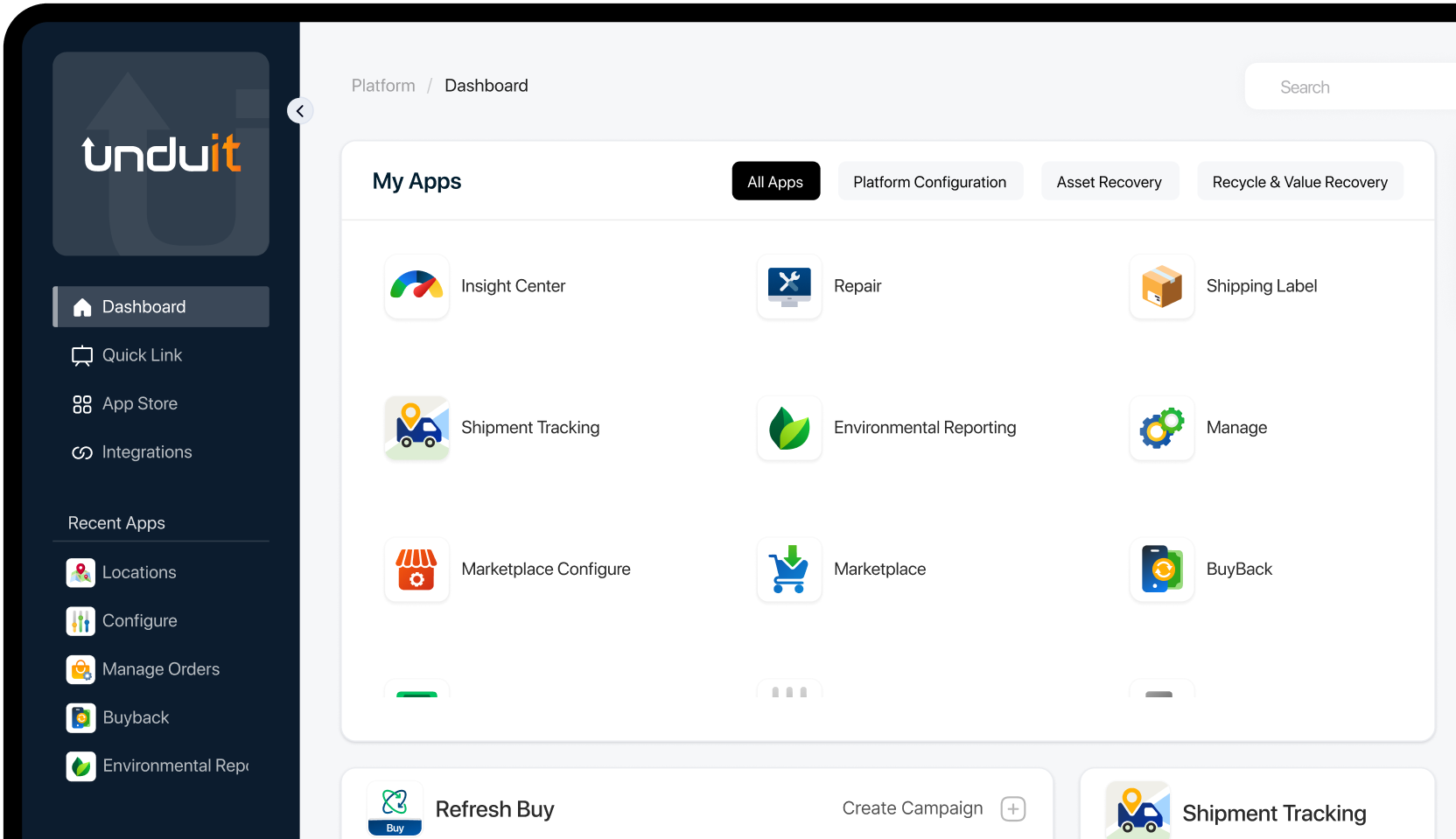
Solutions such as Unduit ITSM combine these capabilities into a single platform, helping IT teams gain visibility while reducing operational overhead.
With Unduit, IT teams can:
- Track all service requests and IT tickets in one place for faster resolution.
- Automate routine tasks while keeping a clear view of service levels.
- Monitor asset health from procurement to end-of-life recovery.
- Manage global assets and logistics without relying on multiple tools.
- Gain complete visibility over IT services and assets for smarter decision-making.
If your goal is a simple, unified way to control IT operations and assets, Unduit ITSM provides the clarity and efficiency SMB IT teams need.
Streamline IT Service Management with Unduit
Automate requests, manage assets, and deliver better IT support from one platform.
Get demoFAQs
What is the best helpdesk ticketing system?
The best helpdesk ticketing system depends on your business size and needs. For SMBs, the ideal solution is one that combines ticket management, automation, and reporting while staying easy to use and scalable as the business grows.
What is helpdesk ticketing system?
Help desk ticketing systems are tools that help organizations track, manage, and resolve IT or customer support requests. Each issue becomes a “ticket” that can be assigned, prioritized, and monitored until resolution.
Is Jira a helpdesk ticketing system?
Jira is primarily an issue tracking and project management tool. It’s commonly used by IT teams for structured ticketing and workflows.