Starting a new job should feel exciting, not stuck. But for most new hires, day one still means a broken laptop, a missing login, or a three-day wait for software access. The problem usually isn’t the HR team. It’s the gap between paperwork and provisioning.
The best employee onboarding software closes that gap. It doesn’t just collect signatures and W-4s. It sets up devices, grants app access, and connects to your identity systems before the new hire even sits down. That’s the difference between HR onboarding software built for paperwork and IT onboarding software built for readiness.
This guide ranks the top 10 tools for IT-led onboarding in 2026, explains how we scored them, and shows you what to look for before you buy.
How we evaluated the best IT onboarding software
Not every onboarding system is built the same way. Some are checklist tools with IT tasks bolted on. Others are provisioning engines with HR features layered in. We scored each onboarding solution on six dimensions:
- IT provisioning depth: Can it handle zero-touch device setup, app and SSO provisioning, and MDM/IdP connections without manual work?
- Workflow automation: Does it support role-based templates and event-triggered approvals, or does someone still have to chase every step by hand?
- Integrations: Does it connect to your HRIS, directory (AD/Entra), SSO, ITSM, and MDM stack?
- Security and compliance: Does it support RBAC, MFA, audit trails, and standards like SOC 2 or GDPR?
- New hire experience: Is there a self-service portal and mobile access, or does the new hire wait on email threads?
- Reporting: Can you track time-to-productivity, completion rates, and access readiness by role or location?
We also weighed total cost of ownership and how much admin overhead each onboarding platform adds over time. These same criteria work for any onboarding workflow software you’re evaluating, not just the ten on this list.
Top 10 IT onboarding software
1. Unduit
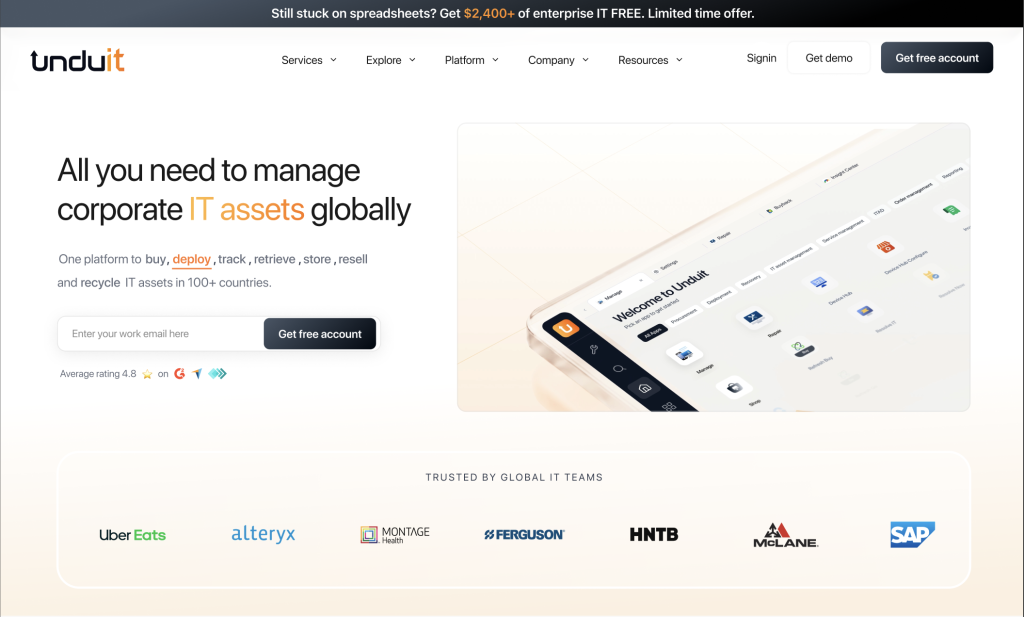
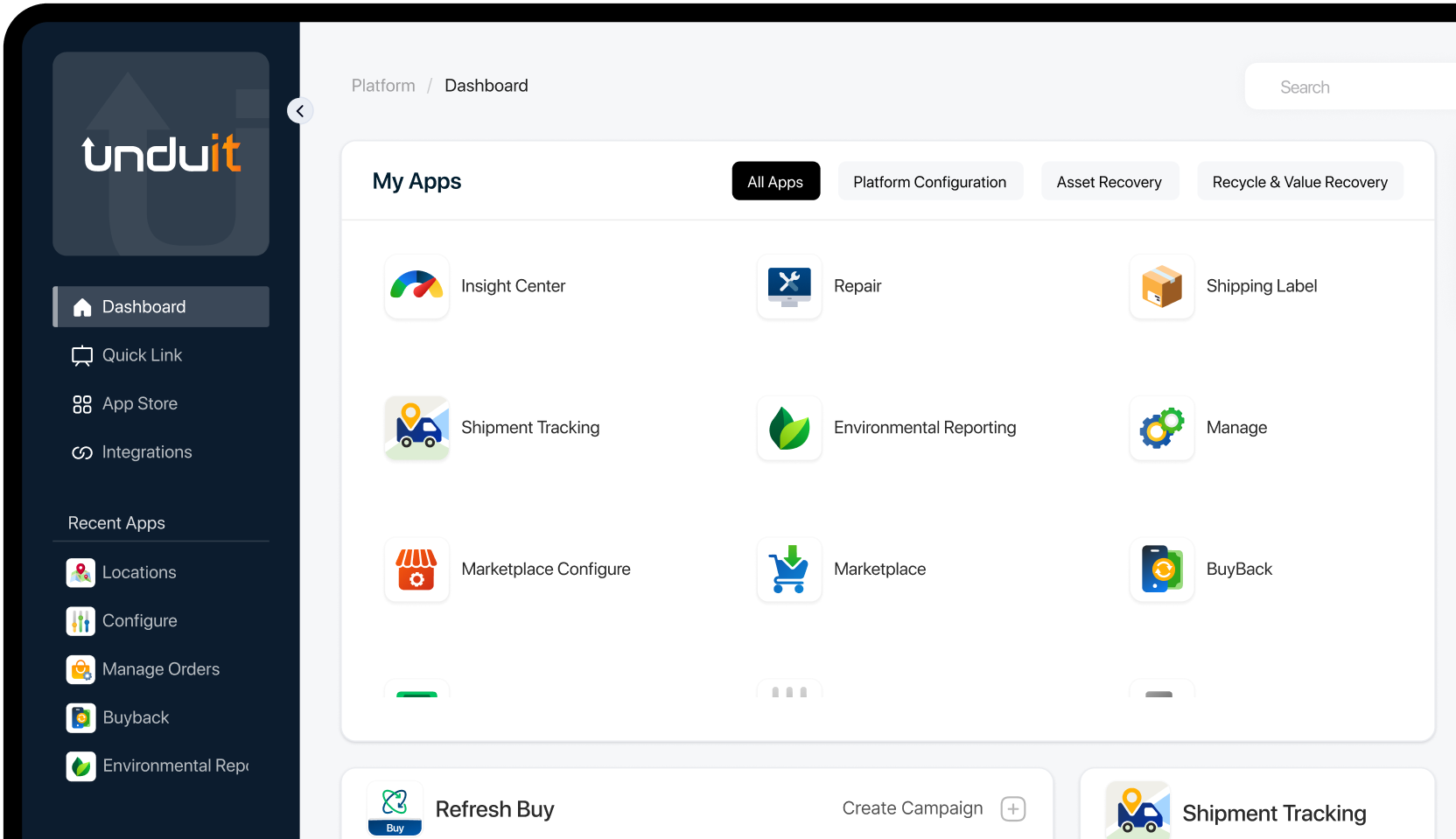
Unduit is built for IT teams, not just HR. It automates device, identity, and app access onboarding in one workflow, with native MDM, SSO, and ITSM connections. Instead of a new hire ticket sitting in a queue, provisioning kicks off automatically the moment a role is confirmed.
- Zero-touch device and app provisioning triggered automatically by HR lifecycle events
- Native MDM, SSO, and ITSM integrations, so onboarding runs on the same system as the rest of IT
- AI automation across the whole platform, not limited to ticket responses
- Full asset lifecycle support: procure, deploy, recover, repair, buyback, and recycle, in 100+ countries
Pricing:
Sign up free, scales to custom pricing.
2. Rippling
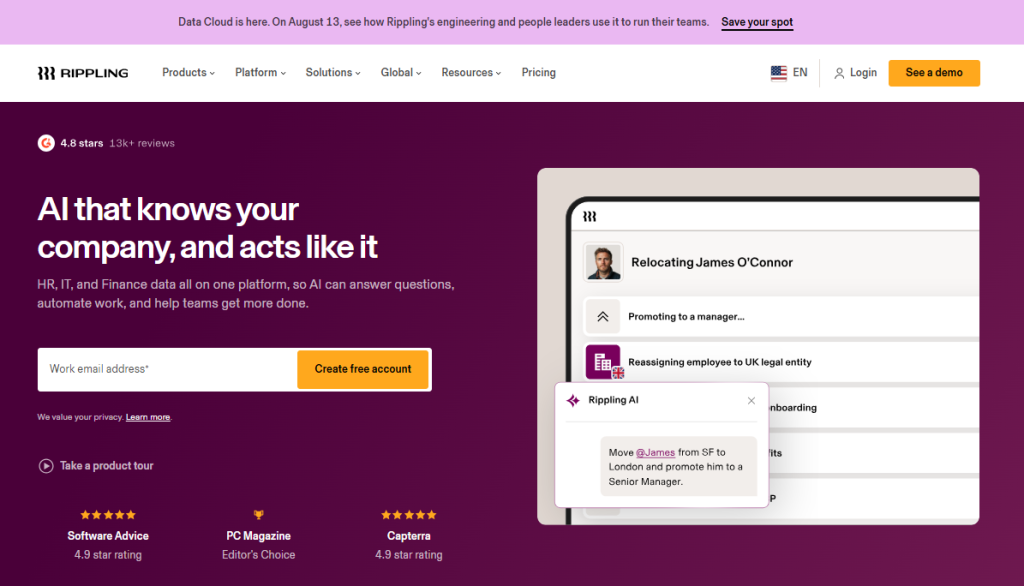
Rippling combines HR and IT into a single system. When someone is hired, promoted, or moved to a new team, the platform automatically provisions the right apps and devices based on that lifecycle event. It’s a strong choice for mid-market, tech-forward companies that want one employee onboarding system instead of separate HR and IT tools.
- Single system of record for HR, IT, and finance
- App and device provisioning tied to lifecycle events like hires, promotions, and terminations
- Large third-party integration marketplace
- Automated policy enforcement across payroll and access management
Pricing:
Starts around $8 per employee/month plus a roughly $35/month platform base fee for the core HR layer. Payroll, benefits, and IT are separate modules, each billed per employee.
3. ezOnboard
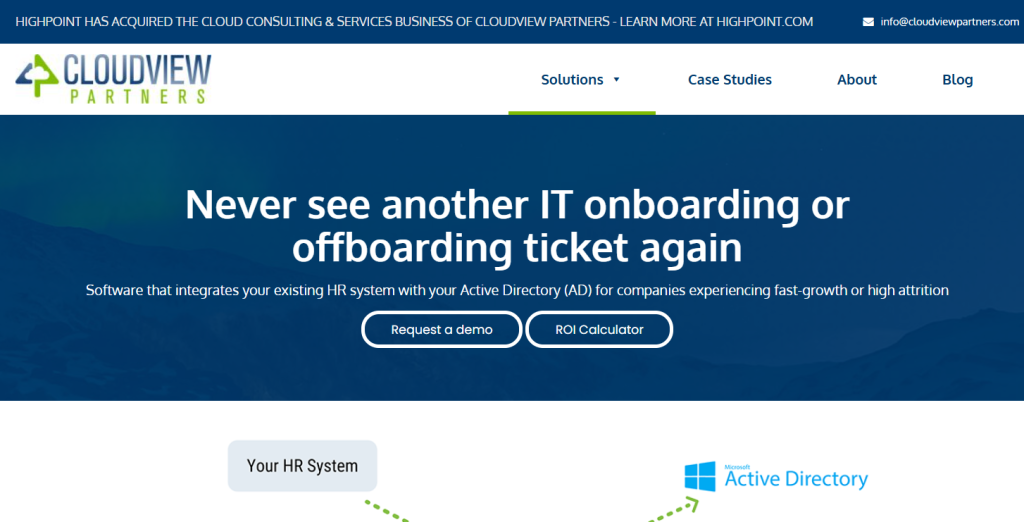
ezOnboard is built around AD and Entra ID, making it a natural fit for companies already standardized on Microsoft identity tools. It handles instant account creation and includes compliance reporting out of the box, which cuts down on manual account work for IT admins.
- Native Active Directory and Entra ID integration
- Instant account creation on hire
- Built-in compliance and audit reporting
- Reduced manual account administration for IT
Pricing:
Custom Pricing.
4. WorkBright
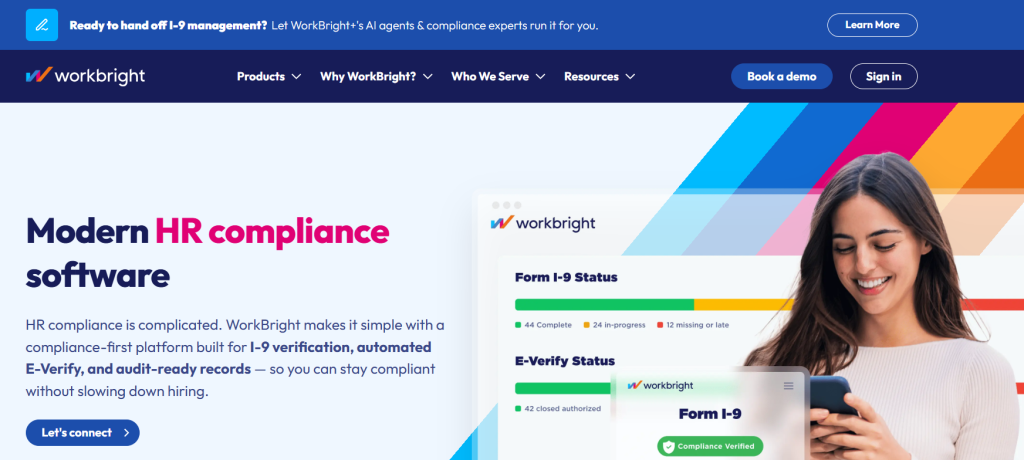
WorkBright organizes onboarding around role-based checklists with clear task ownership. Every step has a named owner and a visible status, which makes it easier to audit who did what and when. It’s less about automation and more about structure, which suits teams that need accountability more than provisioning speed.
- Role-based onboarding checklists
- Named ownership assigned to every task
- Visible status tracking for audits
- Document workflows alongside IT task tracking
Pricing:
Entry-level Smart I-9 plan starts around $79/month (about $9.50/user/month, up to 5 admins).
5. JumpCloud
JumpCloud is a cloud directory platform that centralizes identity, device, and access management across Windows, macOS, Linux, and mobile devices. It’s built for IT teams managing onboarding across a mixed device fleet without an on-premises domain controller.
- Centralized SSO and MFA from a single console
- Cross-platform device enrollment and policy management
- Automated onboarding and offboarding workflows tied to HR events
- No on-prem infrastructure required to get started
Pricing:
Free for up to 10 users. Paid plans start around $9–$13/user/month (Device Management, SSO, Core Directory), scaling to roughly $19+/user/month for the full Platform tier.
6. BambooHR
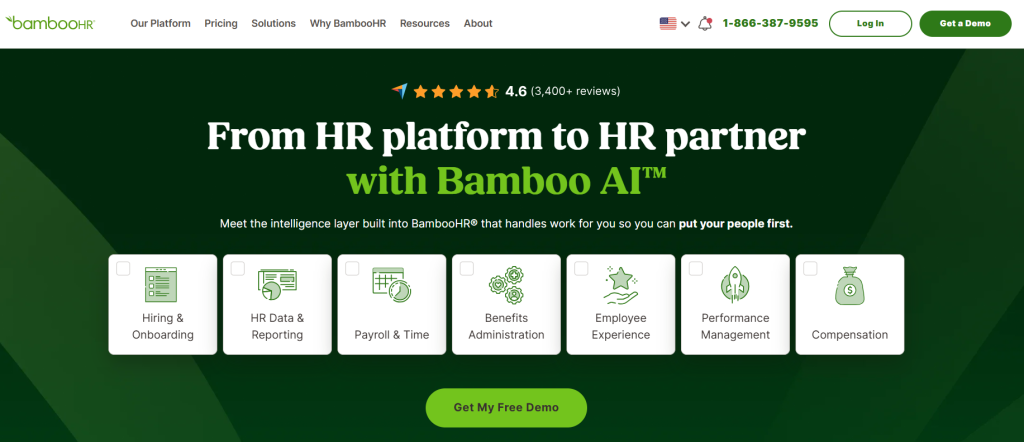
BambooHR leads with HR: document workflows, e-signatures, and new hire portals. IT tasks are handled through checklists rather than deep provisioning, which makes it a solid onboarding hr software pick for SMB and mid-market teams that don’t need heavy IT automation.
- Document workflows and e-signatures for new hire paperwork
- New hire self-service portal
- IT tasks tracked via checklist rather than automated provisioning
- Strong fit for SMB and mid-market HR teams
Pricing:
Custom Pricing.
7. Deel
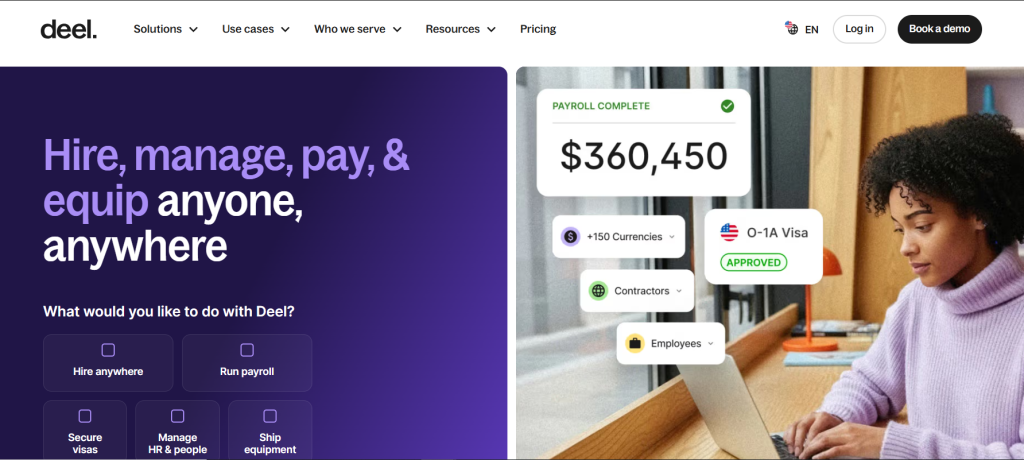
Deel is built for distributed teams, handling contracts and compliance across countries. IT readiness here is driven by compliance requirements first, provisioning second, which makes it the right choice when hiring internationally is the harder problem to solve than device setup.
- Global payroll and employment compliance
- Contract generation across multiple countries
- Compliance-first onboarding workflows
- Built for distributed and international teams
Pricing:
Global Payroll starts at $29/employee/month. Employer of Record (EOR) starts at $599/employee/month. Contractor management starts at $49/contractor/month.
8. Atlassian Jira Service Management
Jira Service Management treats onboarding as a service request, routed through a catalog with defined SLAs. Teams already running ITIL-aligned service management will find this the most natural extension, since onboarding tickets follow the same automation rules as any other IT request.
- Service catalog-based onboarding requests
- SLA-driven routing and fulfillment
- Deep fit for ITIL-aligned service management teams
- Broad integration across the wider Atlassian ecosystem
Pricing:
Free for up to 3 agents. Standard is about $20/agent/month, Premium is about $51/agent/month, and Enterprise is custom-quoted.
9. Okta
Okta is an identity and access management platform built around a Universal Directory and thousands of pre-built app integrations. It automates account creation, single sign-on, and lifecycle changes the moment a new hire is added to an HRIS like Workday or BambooHR.
- Automated user provisioning across thousands of cloud and on-prem apps
- Single sign-on and adaptive multi-factor authentication for new hires
- No-code Okta Workflows for custom onboarding automation
- Lifecycle management that also handles role changes and offboarding
Pricing:
Starter suite starts at $6/user/month; Essentials suite starts at $17/user/month. Professional and Enterprise suites are custom-quoted.
10. GroWrk
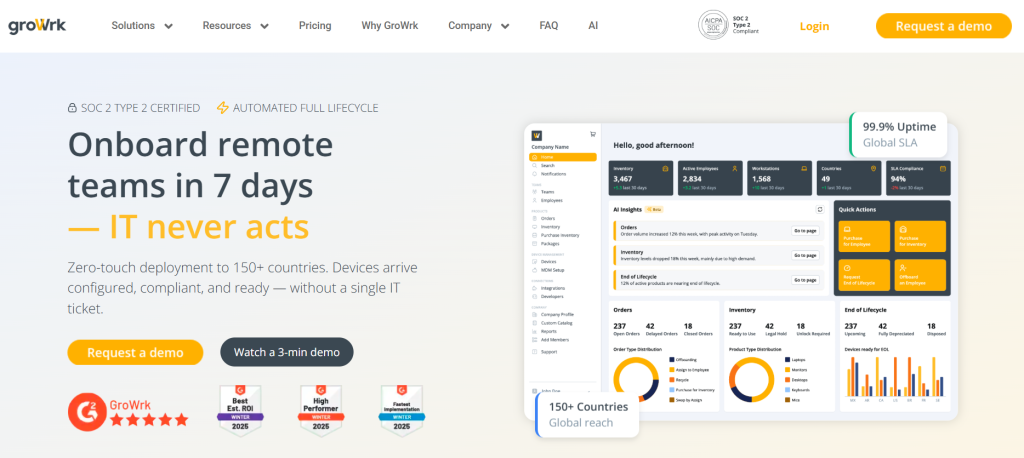
GroWrk automates IT asset deployment for distributed and remote teams, shipping pre-configured devices to new hires anywhere in the world. It integrates with MDM and identity management systems so devices arrive ready to use on day one.
- Global device procurement, configuration, and shipping
- Integration with MDM and identity management platforms for secure setup
- Asset tracking and recovery when employees offboard
- Built for distributed teams with no central office to ship from
Pricing:
Custom Pricing.
Key features to look for in onboarding software (buyer’s checklist)
Before you commit to any onboarding management software, check for these:
- Zero-touch provisioning: Devices and accounts should be ready before day one, not set up manually after.
- Directory and SSO integration: The system should talk to AD, Entra ID, Okta, or whatever identity provider you run.
- Role-based templates: A new engineer and a new salesperson need different access, automatically.
- Audit trails: Every access grant and revocation should be logged for compliance.
- Self-service portals: New hires shouldn’t need to email IT to find their own onboarding tasks.
- Reporting on time-to-productivity: You should be able to see where onboarding slows down, by role or location.
Any human resource onboarding software that’s missing the first two items on this list will leave IT doing manual work no matter how polished the HR side looks.
Common mistakes when choosing onboarding systems
Even good teams get this wrong. The most common mistakes:
- Buying a checklist tool and expecting provisioning. Checklists track tasks; they don’t grant access. If IT still has to log in and create accounts by hand, you haven’t solved the problem.
- Underestimating setup time. Role-based templates and integration mapping take real admin hours upfront. Budget for it before you go live.
- Ignoring service management. If your company already runs ITSM, onboarding that bypasses it creates a second system of record instead of one.
- Skipping instrumentation. Adding in-app guidance without tracking whether people actually use it wastes the investment.
Most of these mistakes come down to picking software for the department that’s easiest to satisfy (usually HR) instead of the one with the hardest requirements (usually IT).
Why Unduit Is the Best Choice for IT-Led Onboarding
Choosing the right onboarding software means more than checking a box for account creation. Unduit stands out because it treats onboarding as part of the full device and access lifecycle, not a one-time task that ends after day one.
With Unduit, everything runs from a single platform:
- Zero-touch device and app provisioning, triggered automatically by HR events
- Native MDM, SSO, and ITSM integrations, so onboarding runs on the same system as the rest of IT
- AI automation across the whole platform, not limited to ticket responses
- Full asset lifecycle support after onboarding too: repair, recovery, redeployment, and secure offboarding
- One system covering the employee’s entire journey, from first login to last day
This unified approach cuts down on the handoffs that slow new hires down, and gives IT one place to manage access and devices instead of stitching several point solutions together.
Unlock seamless IT Onboarding with Unduit.
Discover how our platform automates the entire IT asset lifecycle, from procurement to disposal.
Book a Demo!FAQs
Q1: What is onboarding software?
Onboarding software is a system that automates the steps needed to bring a new hire up to speed, from paperwork to device and app access. It ranges from HR-focused checklist tools to IT-focused provisioning platforms.
Q2: What is IT onboarding software?
IT onboarding software specifically automates the technical side of onboarding: provisioning devices, granting app and system access, connecting to identity providers, and enforcing security policies from day one. It’s distinct from HR onboarding software, which focuses on paperwork, documents, and compliance forms.
Q3: What is the best onboarding software for IT teams?
For IT-led provisioning, Unduit ranks highest because it combines onboarding automation with the same ITSM and MDM connections IT teams already rely on. For unified HR and IT needs, Rippling is a strong alternative. For Microsoft-centric environments, ezOnboard is worth a look.
Q4: How does onboarding automation software reduce time-to-productivity?
It removes the manual handoffs between HR, IT, and hiring managers. Instead of waiting for someone to notice a new hire ticket, automated workflows trigger provisioning the moment a start date or role is confirmed, so access is ready before the new hire’s first login attempt.
Q5: Which employee onboarding app works best for remote teams?
Remote teams need self-service portals and mobile access, since IT can’t walk over and hand someone a laptop. Deel handles the compliance side of global remote hiring well, while Unduit and Rippling both support remote device shipping and zero-touch setup.
Q6: How does onboarding software comparison actually work? What should I weigh most?
Weigh provisioning depth and integrations first. A tool with a great new hire portal but no directory integration will still leave IT doing manual account setup. Start from your hardest requirement, not your easiest one.
Q7: Should I trust employee onboarding software reviews on their own?
Reviews are useful for spotting recurring complaints, like slow support or clunky integrations, but they rarely test provisioning depth directly. Pair reviews with a hands-on trial focused on your actual identity and device stack before you commit.