TL;DR
- What happened: A Microsoft 365 outage that began around midday ET on November 12, 2026, took down Exchange Online, Outlook, Teams, SharePoint and more. Microsoft recorded service restoration around 11:10 a.m. ET on November 13. The stated cause is still preliminary.
- Why it matters: Uptime is Microsoft’s job. Keeping your business running is yours.
- What to do: Set up a backup communication channel, map your dependencies, know which devices can work offline, and test the plan twice a year.
When the tools everyone uses stop working
For most companies, the Microsoft 365 outage on November 12, 2026, did not start with an error message. It started with a quiet inbox. Then Teams calls dropped, SharePoint links stopped opening, and approvals stalled in queues nobody could reach.
Within the hour, service desks were filling with tickets from users who assumed the problem was their laptop. Many IT teams spent that first hour troubleshooting their own environment before confirming the issue was upstream.
None of this was within IT’s control. How the business kept working was. That is the real test of a business continuity plan for an IT department: not whether the vendor recovers, but whether your people can keep working, communicating and serving customers while it does.
What happened during the Microsoft 365 outage?
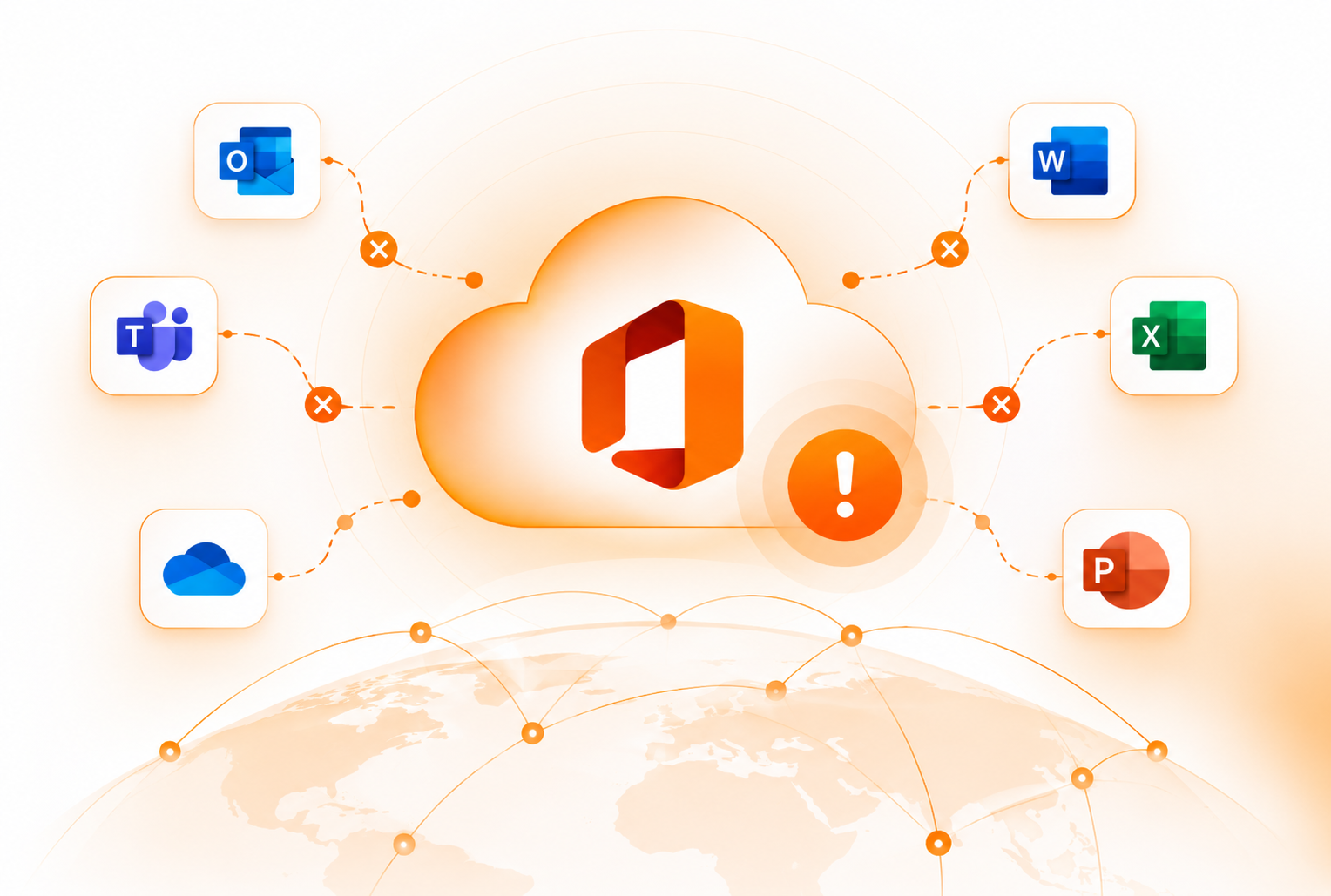
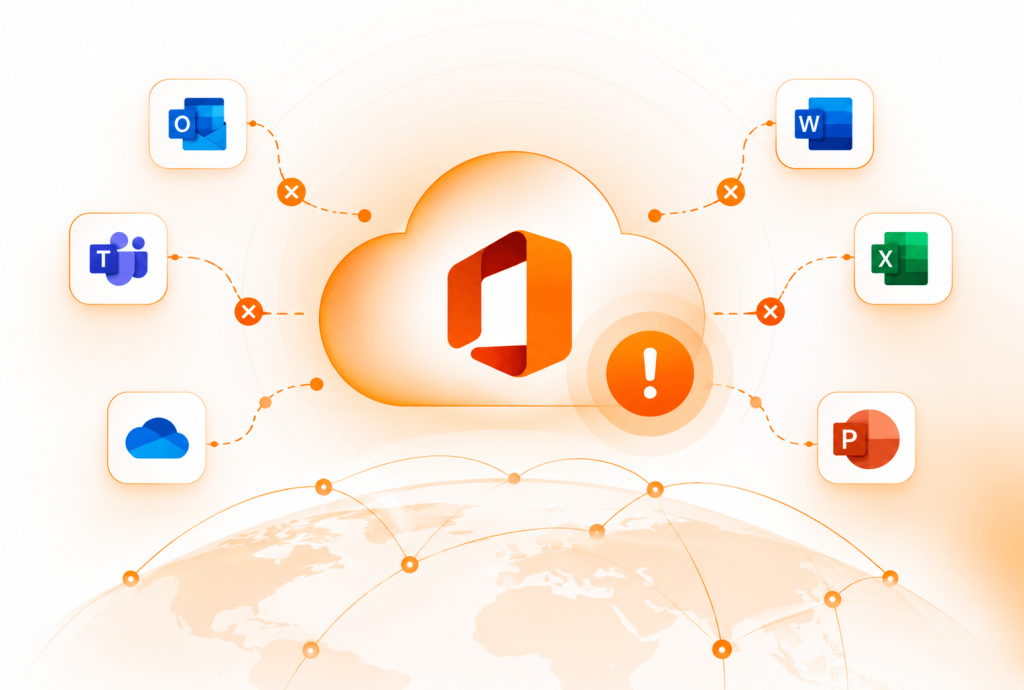
The outage began shortly before 1 p.m. ET on Thursday, November 12, when Exchange Online failed in the Americas. It spread to other regions, then to Outlook, Teams, SharePoint, Microsoft 365 Copilot and Defender XDR. Admins also reported problems with Intune, Purview, Planner, Power BI and the admin centers.
| Date | What happened |
|---|---|
| Nov 12 | Exchange Online fails around midday ET. The outage spreads to Teams, SharePoint, Copilot and other services. |
| Nov 12 to 13 | Microsoft redistributes traffic, pauses deployments, restarts servers and rolls back a recent network configuration change. Recovery moves region by region. |
| Nov 13, about 11:10 a.m. ET | Microsoft records service restoration. Final status updates follow that evening. |
| Nov 14 | Microsoft publishes its final updates on the incident. |
Microsoft said the preliminary cause was an issue from an earlier network capacity upgrade that surfaced after a recent network change. Servers failed health checks and dropped out, and a core process that sets up secure connections became overwhelmed. Microsoft described it as “a technical issue not related to cyber or AI / agents.” Microsoft tracked the Exchange Online failure (EX1550543) and the wider Microsoft 365 impact (MO1550821) as separate incidents, each with its own recorded start time.
Email was delayed, not lost. Microsoft extended its retry window for delayed messages to 48 hours, so mail queued instead of bouncing.
What is still unknown: Microsoft had not published its full post-incident report (PIR) as of November 15, so treat the cause as preliminary. The incident also follows earlier Microsoft 365 disruptions this year, including a January 22 outage that hit Outlook, Teams and Defender, and a July 23 Azure network failure that affected several Microsoft 365 services.
How a cloud outage affects everyday IT operations
Communication and collaboration stop
When email and Teams fail together, most companies lose every official channel at once. Leadership can’t send updates, managers can’t reach their teams, and customer-facing staff go quiet. The outage becomes a communication problem long before it becomes a technical one.
Connected workflows fail too
Microsoft 365 sits underneath far more than email. Approval flows send notifications through Exchange, contracts live in SharePoint, and reports pull data from Graph. In November, a single failure in Exchange Online cascaded into security tooling, device management and reporting. Every workflow built on top of it inherited the outage.
Your service desk gets flooded, and may be down itself
Users open tickets for problems IT can’t fix. Some try fixes that slow recovery, like reinstalling Office, deleting Outlook profiles or resetting passwords.
There is a less obvious risk. If tickets arrive by email or Teams, your help desk goes offline at the exact moment demand peaks. Ticket intake that runs outside Microsoft 365, through a portal or a help desk with built-in asset context, keeps support running when the primary stack does not.
5 business continuity lessons from the Microsoft 365 outage

1. Don’t depend on a single communication channel
An IT outage communication plan should assume your primary tools are gone. Everyone agrees you need a backup channel. Few teams set one up before they need it.
- Pick an out-of-band channel that does not run on Microsoft 365, such as SMS alerts, a separate messaging app or a hosted status page.
- Route Service health alerts outside your tenant. Send Microsoft 365 admin center notifications to an external address so confirmation reaches someone.
- Keep contacts offline. Export phone numbers for leadership, IT staff and key vendors, and store a copy outside Microsoft 365.
- Pre-write the first message so nobody drafts under pressure. For distributed teams, name an owner in each time zone.
A staff message you can adapt:
Subject: Microsoft 365 service disruption
Microsoft is experiencing an outage affecting Outlook, Teams and SharePoint. This is not a problem with your device or account.
Please don’t reinstall Office, delete your Outlook profile or reset your password. These steps won’t help and may slow recovery.
Email sent during the outage should be delayed, not lost. We’ll post updates on [backup channel] every [60] minutes.
IT team
2. Map dependencies across your IT environment
IT dependency mapping shows which business processes break when one service fails. Map four layers, then mark every single point of failure.
| Layer | Questions to answer |
|---|---|
| SaaS | Which workflows rely on Exchange, Teams or SharePoint? |
| Identity | Which apps sign users in through Microsoft? |
| Network | Which sites or remote users depend on one connection path? |
| Endpoints | Which devices and clients need a live connection to work? |
If one vendor runs your email, chat, files, device management and security, that is vendor concentration risk. You may accept it, but your continuity plan should name it.
3. Set recovery objectives that fit SaaS
Traditional disaster recovery plans assume you control the system that fails. In a SaaS outage, you don’t. That changes how recovery objectives work.
Recovery time objective (RTO) is the longest a business process can be down before the impact becomes unacceptable. Recovery point objective (RPO) is the most data loss, measured in time, a business can accept.
| Factor | RTO | RPO |
|---|---|---|
| Measures | Downtime | Data loss |
| Question it answers | How long can this process run without the tool? | How much recent data can we afford to lose? |
| Who controls it in a SaaS outage | Partly you, through workarounds | Mostly the vendor |
| Weight in the November outage | High | Lower in this case, because mail was queued, not lost |
| Example target | Customer support: 2 hours | Finance records: 15 minutes |
Define both RTO and RPO for each business process, not each application, and weigh them by scenario. In an availability outage like November’s, RTO usually drives the response. RPO still matters: it depends on how data syncs, whether you keep independent backups of Microsoft 365 data, and what your recovery arrangements cover. A sync failure, accidental deletion or ransomware event can make RPO the priority.
Business continuity vs disaster recovery: business continuity keeps critical operations running during a disruption. Disaster recovery restores systems and data afterward. The November outage was mostly a continuity problem. Regulated teams should also check how these targets tie into their compliance and continuity requirements.
4. Use IT asset visibility to know who can work offline
During the outage, the people who kept working were the ones whose devices were set up for it. Classic Outlook with Cached Exchange Mode let users read recent mail and queue replies in the Outbox. The new Outlook for Windows also supports offline access when it is turned on, storing emails, calendar events and contacts on the device. Its offline features are more limited than classic Outlook’s, and how much mail is stored depends on its sync settings. Mobile apps and locally synced files helped others.
None of that helps if you don’t know who has what. Ask:
- Which Outlook client does each user run, and is offline access turned on?
- Which devices have local file sync turned on?
- Are critical roles on devices configured for offline work?
- Who is on an aging, unassigned or unmanaged device?
This is where IT asset visibility moves from an audit concern to a continuity concern. Your MDM, whether Intune, Jamf or Kandji, holds device configuration. Accurate asset records connect each device to its user, location, age and lifecycle stage. Together, they tell you within minutes who can keep working, which is harder when you are managing devices for remote teams.
Spare laptops would not have helped on November 12. They matter for endpoint failures, like the July 2024 CrowdStrike incident, when the devices themselves stopped booting.
5. Test the plan before the next outage
- Run a tabletop exercise twice a year. Try a scenario like “Exchange and Teams are down for six hours. What happens first?”
- Test the backup channel with a real message, not a reminder that it exists.
- Track help desk metrics during an outage, such as ticket volume and time to the first status update.
- Update the plan after every incident, including this one once Microsoft publishes its PIR.
When should you activate your continuity plan?
Not every outage needs the full plan. Set duration thresholds in advance so the call is quick and consistent, rather than debated in the moment.
| Outage length | Response |
|---|---|
| Under 1 hour | Confirm the issue in Service health, send one status message, freeze changes. |
| 1 to 4 hours | Switch to the backup channel, apply offline workarounds, prioritize critical processes, update leadership. |
| Over 4 hours | Activate the full plan: manual workarounds, a set executive update cadence, and logging for SLA claims and the PIR review. |
For leadership, keep each update to one line: what is down, who is affected, the current workaround and the time of the next update.
Business continuity checklist for IT teams
Use this business continuity checklist to find gaps before the next outage finds them for you.
| Question | Why it matters |
|---|---|
| Do we have a communication channel outside Microsoft 365? | Keeps teams connected. |
| Do Service health alerts go to an address outside our tenant? | Speeds up confirmation. |
| Do we know which applications are business-critical? | Sets recovery priorities. |
| Have we mapped dependencies between apps, identity and endpoints? | Shows the blast radius. |
| Can staff work offline on their current devices? | Keeps work moving. |
| Does our help desk depend on Microsoft 365 for ticket intake? | Keeps support running. |
| Is our IT asset inventory accurate and current? | Shows who has what. |
| Are RTO targets documented per business process? | Sets recovery expectations. |
| Do we test the plan at least twice a year? | Finds gaps before an outage. |
| Do we know our SLA terms and how to claim credits? | Recovers some of the cost. |
Your device decides who keeps working

On November 12, the key questions were simple. Who had an offline-ready device? Which critical roles were on aging hardware? Who needed help first?
Teams with answers kept working. Teams without them guessed.
Those answers live in asset data. It has to be accurate before the outage, not rebuilt during it. That is where Unduit helps:
- Know who has what. See every device, its owner and its status, across offices and remote staff.
- Connect owners to setup. Unduit integrates with Intune, Jamf, Kandji, HRIS and ITSM tools.
- Support with context. Tickets arrive linked to the user’s device. AI suggests answers and fixes.
- Keep devices ready. Track deployments, returns and redeployments across the lifecycle.
The next outage will run the same test. Can your people keep working? It starts with knowing which devices are assigned, configured and ready.
Unduit helps IT teams maintain visibility and control over their IT assets throughout their lifecycle. Explore how Unduit supports more organized, resilient IT operations.
FAQs
What caused the Microsoft 365 outage in November 2026?
Microsoft’s preliminary explanation is an issue from an earlier network capacity upgrade that surfaced after a recent network change. The company said it was not related to cyber activity or AI. A full post-incident report is still pending.
How long did the Microsoft 365 outage last?
About a day. It began around midday ET on November 12, 2026, and Microsoft recorded service restoration at about 11:10 a.m. ET on November 13. Final status updates followed that evening and on November 14.
Was the Microsoft 365 outage a cyberattack?
No. Microsoft described it as a technical issue, not a cyberattack.
Were emails lost during the outage?
Generally, no. Microsoft extended its retry window to 48 hours, so delayed messages queued instead of bouncing. Admins should still run a message trace to confirm delivery for critical mailboxes.
Can businesses claim SLA credits for the outage?
Possibly, but it depends on your agreement. Microsoft publishes service-specific terms in the Microsoft SLA for Online Services. Uptime commitments, what counts as qualifying downtime, exclusions, credit levels and claim procedures vary by service. Credits are not automatic, so your admin must submit a claim under the terms for each affected service.
What is the difference between RTO and RPO?
RTO is the maximum acceptable downtime before a process must be running again. RPO is the maximum acceptable data loss, measured in time. Both should be set per business process, and which one leads depends on the scenario.
What is the difference between business continuity and disaster recovery?
Business continuity keeps critical operations running during a disruption. Disaster recovery restores systems and data afterward.
How can IT teams prepare for the next Microsoft 365 outage?
Set up a backup communication channel, map dependencies, configure devices for offline work, document RTO targets per process, define response tiers and test the plan twice a year.