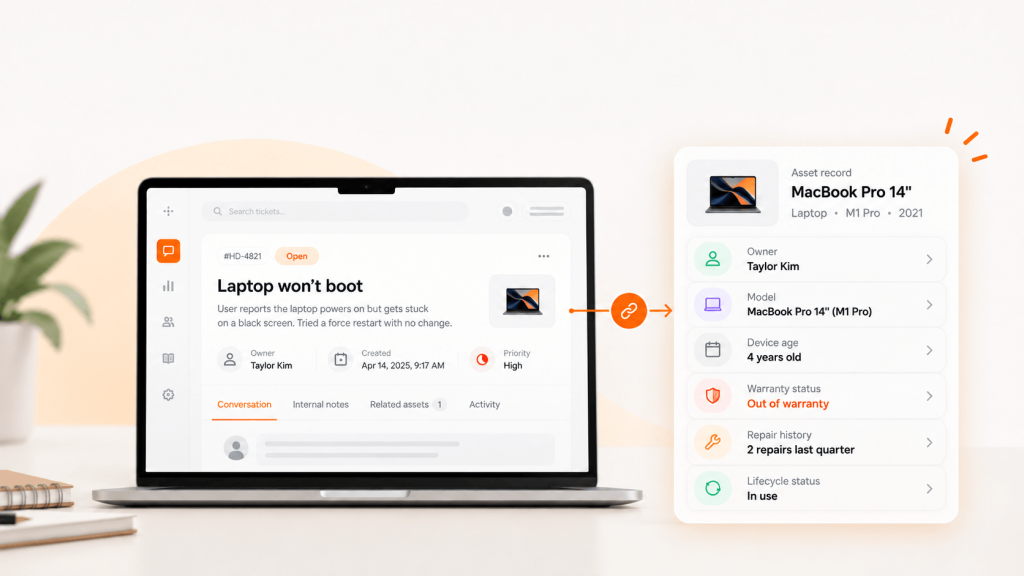
A product designer in São Paulo starts Monday. Her Slack account, Google Workspace login and onboarding calendar were ready on Friday. Her laptop is still sitting in a Miami warehouse, waiting on an import broker.
That’s the gap in most advice on globally distributed teams. It covers communication and culture well. It rarely covers the hardware every employee needs to do the work, or what happens to that hardware when they leave.
TL;DR
- A globally distributed team works across several countries and time zones without a single default office.
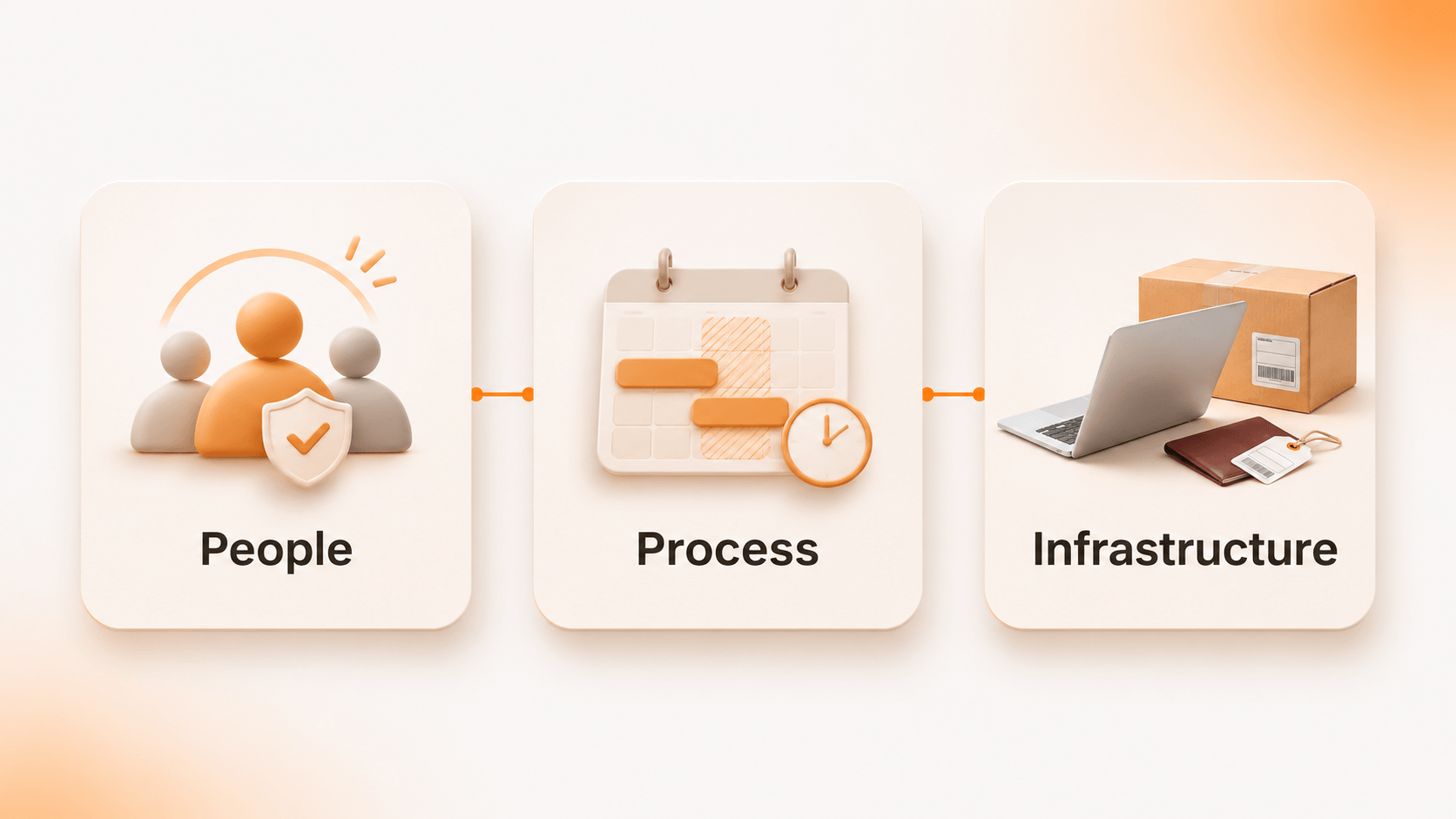
- Managing one well takes three layers: people (culture and trust), process (async work and overlap hours), and infrastructure (devices, access, and support).
- The most overlooked layer is the device lifecycle: procuring, securing, and recovering laptops across borders.
What is a globally distributed team?
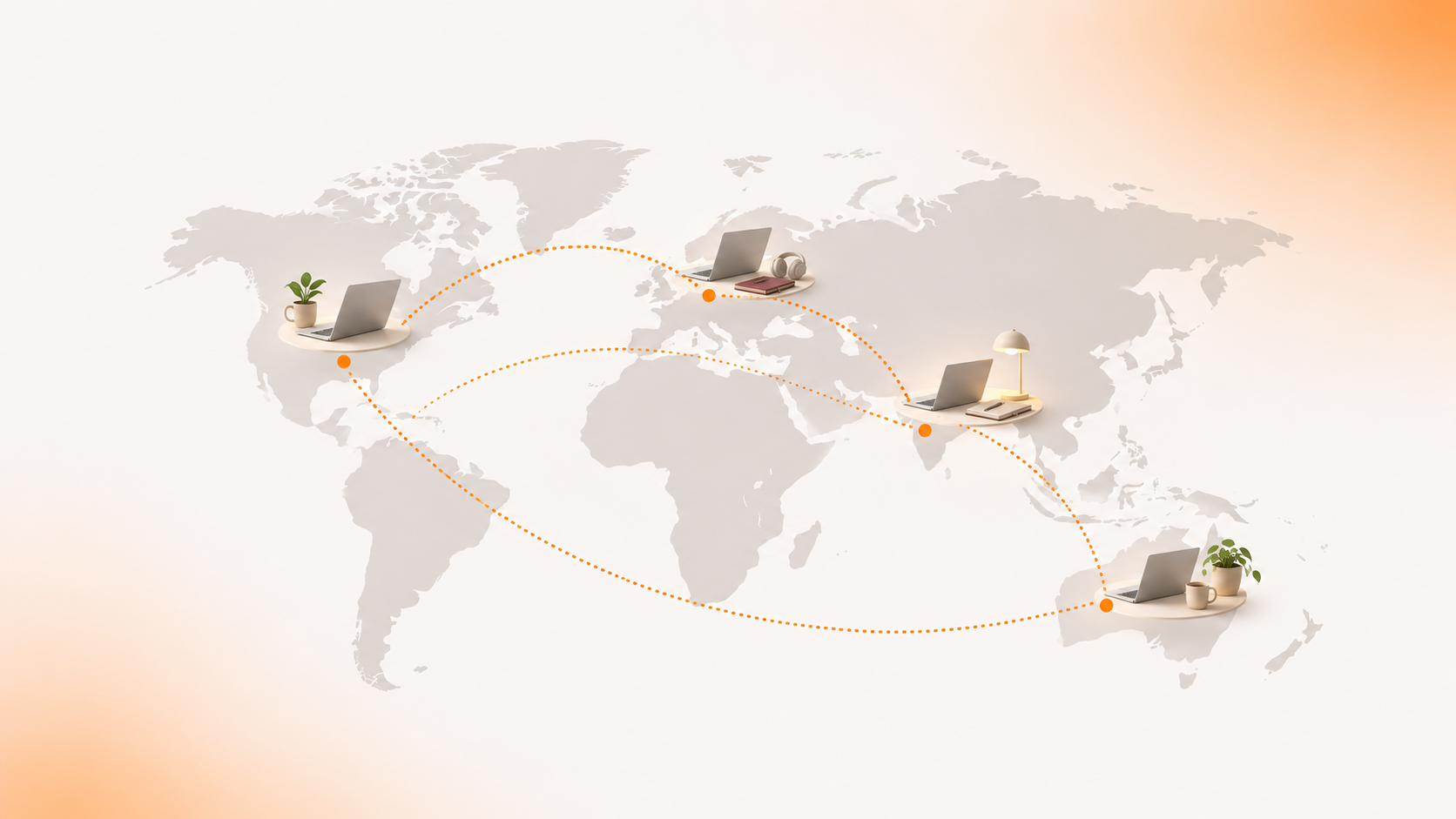
A globally distributed team is a group of employees who work for the same company from different cities or countries, usually across multiple time zones, with no shared office as the default. It’s a deliberate operating model, not remote work with extra steps.
| Model | Where people work | Time zones | IT implication |
|---|---|---|---|
| Co-located | One office | One | Devices issued and returned on-site |
| Hybrid | Office and home | One or two | Mix of desk-side and shipped support |
| Remote | Home, one country | One to four | Domestic shipping and returns |
| Globally distributed | Many countries | Many | Customs, local compliance, cross-border recovery |
The model is growing fast. Remote’s 2025 Global Workforce Report, a survey of 3,650 HR and business leaders, found that leaders expect more than half of new hires to be international by 2026.
6 challenges of managing geographically distributed teams
- Time zones slow decisions. A question asked at 4 p.m. in New York lands after dinner in Bengaluru. The answer arrives the next morning.
- Context gets lost. Decisions happen in calls and DMs that half the team never sees.
- Cultural norms differ. Feedback styles, directness and public holidays vary by country.
- Isolation and burnout build up. Employees in “off-hours” regions often join meetings late at night.
- Tools multiply. Each region adopts its own apps, suppliers and workarounds.
- Devices, security and compliance sprawl. Laptops ship through different suppliers, enroll inconsistently and come back late, or not at all. Capterra found hybrid and remote employees were 17% more likely not to return company equipment than on-site staff.
The first five get plenty of attention. The sixth usually lands on IT with no plan behind it.
How to manage a distributed team: best practices
Set overlap windows, not all-day availability
Pick one or two short overlap blocks per team and protect them for live discussion.
| Location | 9 to 11 a.m. ET equals |
|---|---|
| San Francisco | 6 to 8 a.m. |
| London | 2 to 4 p.m. |
| Bengaluru | 7:30 to 9:30 p.m. |
Standard time. Windows shift by an hour when daylight saving time changes.
No window works for everyone. Rotate the inconvenient slots so the same region doesn’t always take the late call, and keep everything else async.
Default to async and time-box decisions
Write proposals down, set a decision deadline such as 48 hours, and move forward if nobody objects. Record the outcome in Confluence, Notion or your ITSM knowledge base so a teammate ten hours away can act without waiting.
Make day one work in every country
A distributed onboarding plan should guarantee:
- Accounts and access provisioned before the start date
- A laptop delivered, enrolled and tested before day one
- A buddy in a nearby time zone
- A 30/60/90-day plan with clear outcomes
For international hires, the start date should set the procurement date. Customs and importer-of-record checks add lead time that domestic shipping doesn’t.
Measure outcomes, not online hours
Judge work by results against OKRs, not by green status dots. Skip-level 1:1s help leaders hear from people they rarely overlap with.
The device lifecycle for globally distributed teams
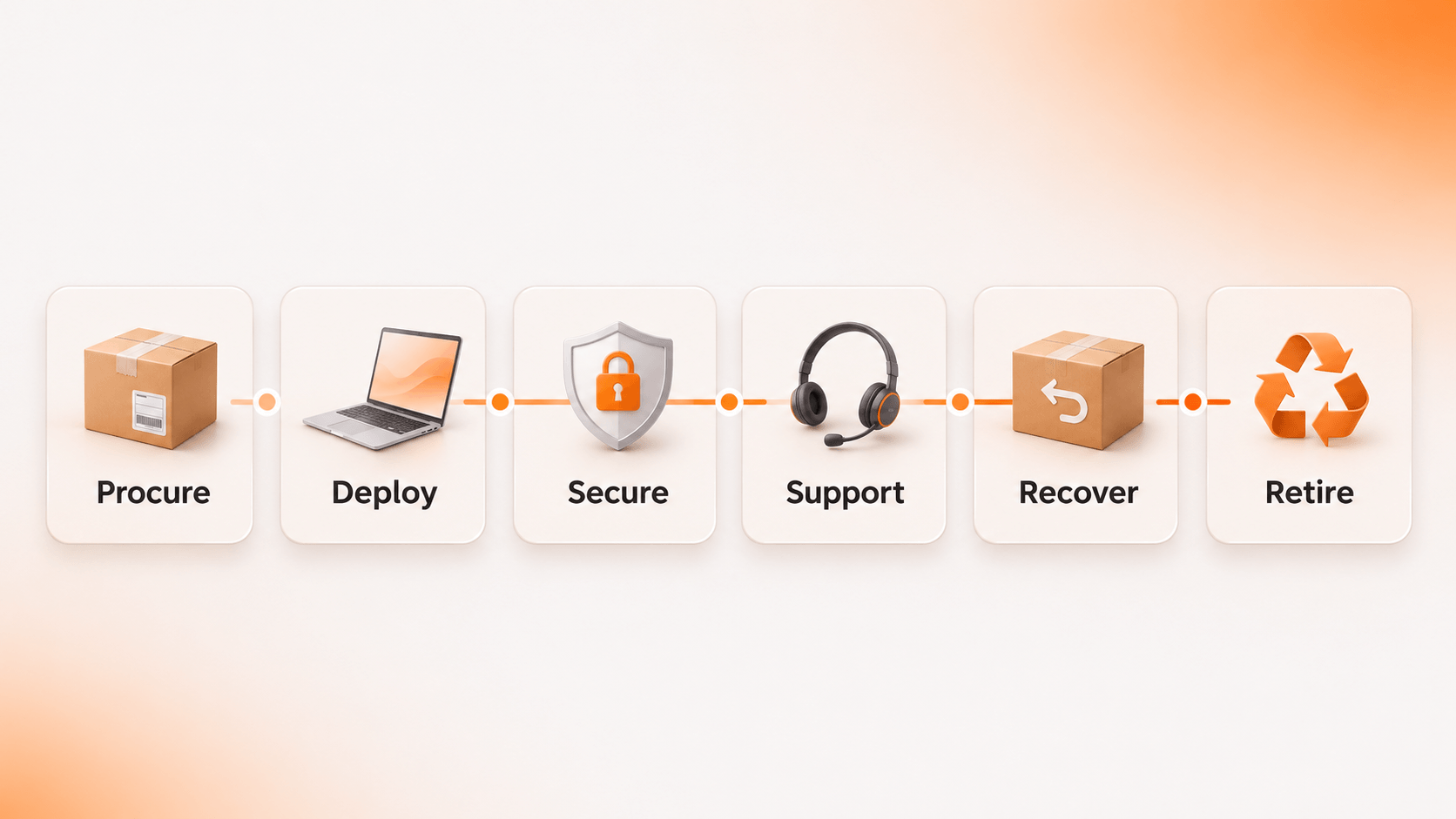
Most guides to managing distributed teams stop at the collaboration stack. The infrastructure layer runs through six stages:
| Stage | What to get right | Common failure |
|---|---|---|
| 1. Procure | Landed cost, importer of record, local keyboard and power adapter | Laptop held at customs |
| 2. Deploy | Zero-touch enrollment through Apple Business Manager or Windows Autopilot into Intune, Jamf or Kandji | Manual setup by a local contractor |
| 3. Secure | Conditional access, disk encryption, patch compliance | Unpatched devices outside policy |
| 4. Support | Follow-the-sun help desk and advance replacements | A weeklong wait for a swap |
| 5. Recover | Return kits, scheduled pickups, access revoked on the last day | Laptop never comes back |
| 6. Retire | NIST SP 800-88 data wipe, redeployment, resale or certified recycling | No wipe certificate at audit time |
Recovery is where global teams lose the most
When an employee in Manila leaves, the laptop doesn’t just need a box. Shipping it back to the US is an export from one country and an import into another, with paperwork at both ends.
Two rules keep this manageable:
- Revoke access on the last day, whether or not the device has shipped.
- Decide the destination per country. Redeploying or recycling in-country is often cheaper than a round trip to headquarters.
Security and compliance checklist for distributed teams
- Enroll every device in MDM before it ships
- Map data obligations under GDPR for EU staff and the CCPA for California residents
- Confirm whether your employer of record covers equipment imports
- Name an importer of record for each country
- Revoke access within hours of a termination
- Keep wipe certificates and chain-of-custody records for every device
General guidance, not legal advice. Confirm requirements with counsel.
KPIs to track for distributed team operations
| KPI | What it tells you |
|---|---|
| Time to provision | Whether new hires have a working device on day one |
| Device recovery rate by country | Where offboarding breaks down |
| Mean time to resolve hardware incidents | How long people work without a usable device |
| Cost per device per year | Total cost, including shipping, duties and unrecovered hardware |
| Time to productivity | How quickly new hires deliver, by region |
Set a baseline for each before changing vendors or processes.
Hiring in 12 Countries Is Easy. Getting 12 Laptops Back Isn’t.
Distributed teams grow through hiring but stay secure through offboarding. Every departing employee abroad means a pickup to arrange, a device to track across borders, records to update and data to destroy. Done by email and spreadsheet, that work falls on IT and rarely finishes on time.
Unduit connects the full device lifecycle to your service desk and asset records, from procurement and deployment through recovery and retirement, across 100+ countries. Its AI-powered IT agent automates the follow-up while you keep full control and visibility:
- Automated pickup scheduling: sends reminders and arranges device pickups without manual follow-up.
- Real-time tracking dashboard: monitors laptops, monitors and peripherals in transit from anywhere.
- Smart inventory updates: logs returned devices, records their condition and syncs with your asset management system.
- Refurbish and redeploy recommendations: suggests repair, upgrade or redeployment options to maximize asset value.
- Secure chain of custody: logs every step for compliance and audits, with R2-certified recycling at end of life.
- Global support: handles domestic and international shipments to reduce delays.
- Employee-friendly communication: keeps departing employees updated by email, text or phone.
FAQs
What does a distributed team mean?
A distributed team is a group of people who work for one organization from different locations rather than a shared office. A globally distributed team spans multiple countries and time zones.
What is the difference between distributed and remote teams?
Remote describes where an individual works. Distributed describes how the whole team operates: across locations by design, with async processes and no single headquarters as the default.
What are the 8 types of teams?
Lists vary by source. A common breakdown is functional, cross-functional, project, operational, problem-solving, self-managed, leadership and virtual teams. A globally distributed team can be any of these.
What are the 5 C’s of collaboration?
Versions differ, but a common set is communication, coordination, cooperation, commitment and contribution. Distributed teams depend most on the first two, because they can’t rely on hallway conversations.
How do you recover laptops from employees in other countries?
Schedule a local pickup or ship a prepaid return kit, document the export and re-import, and wipe the device to NIST 800-88. Redeploying or recycling in-country is often cheaper.
How do you manage virtual teams effectively?
Set clear outcomes, protect a small overlap window, document decisions, and make sure every person has working equipment and access from day one.