TL;DR:
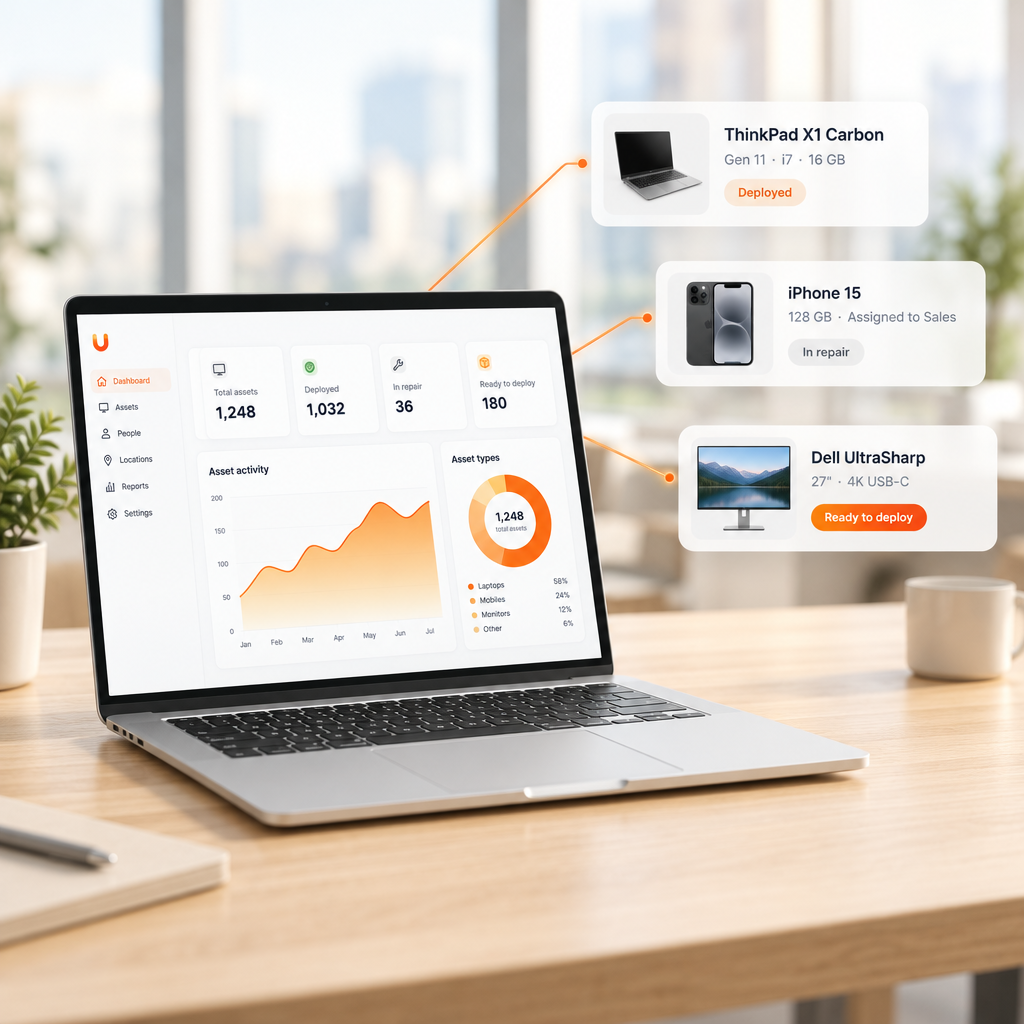
- Remote IT asset management software gives IT teams visibility into devices used outside the office.
- For distributed teams, most cost and risk sit in the physical steps: shipping, retrieval, wiping and disposal.
- The strongest setups connect ITAM, MDM, ITSM and logistics into one record that stays accurate at every handoff.
In March 2026, the Federal Reserve Board’s inspector general reported 677 new laptops, worth about $1.45 million, sitting unopened in shipping boxes for roughly eight months, outside the inventory system. Five more were still with former employees (Federal Reserve OIG).
That happened at one headquarters. Most mid-market IT teams manage fleets spread across dozens of states and several countries.
Remote asset management in IT means tracking, securing and recovering company devices used by employees outside the office, across their full lifecycle. Most tools stop at visibility. The harder part is the physical work that a dashboard can’t do.
RMM, MDM and ITAM compared: which part of the job each one covers
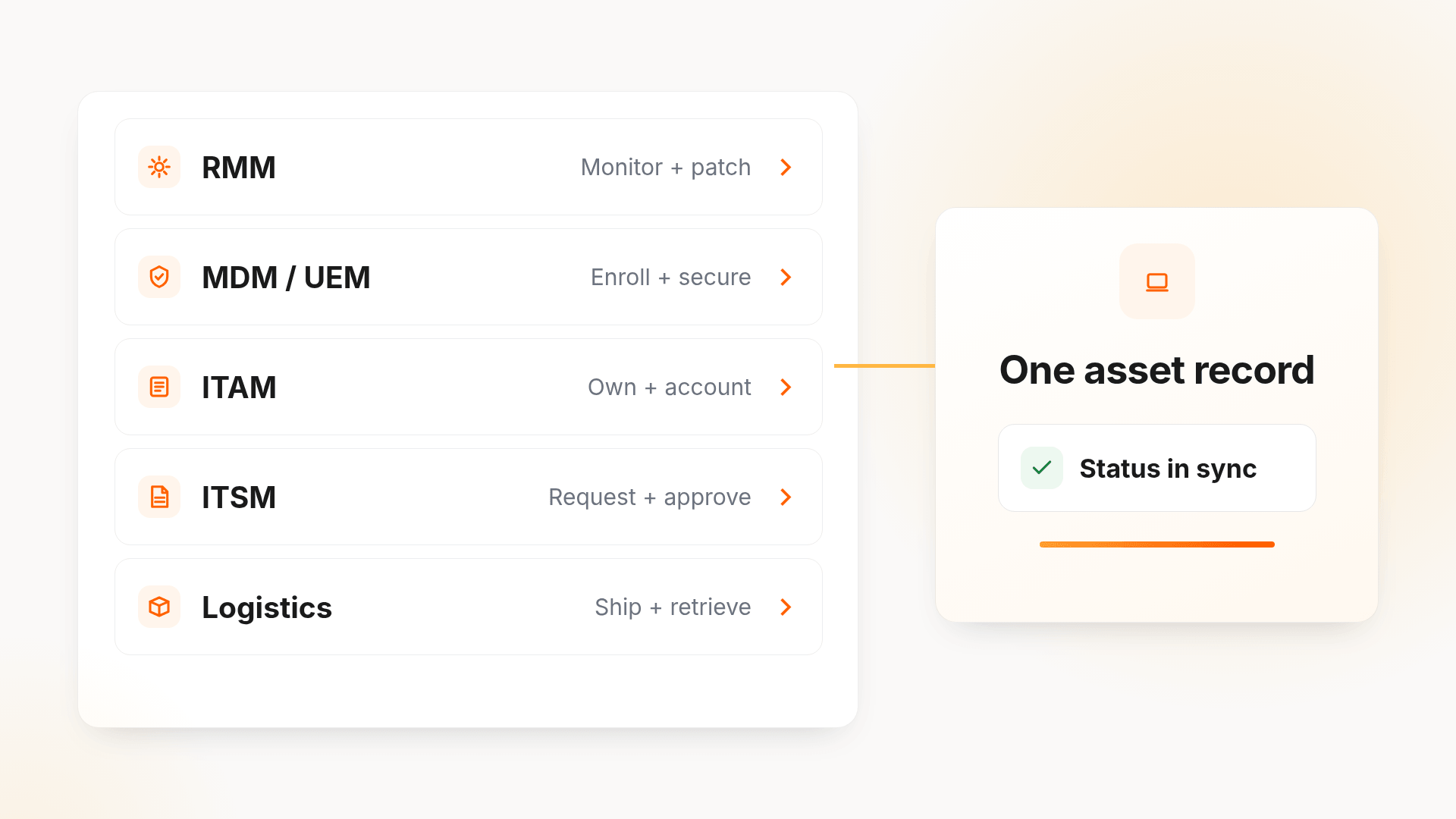
Most IT teams already own two or three tools that touch remote devices. The gaps sit between them.
| Tool | What it handles | What it leaves undone |
|---|---|---|
| RMM | Monitoring, patching, remote control | Ownership, cost, lifecycle, returns |
| MDM / UEM (Jamf, Kandji, Intune) | Enrollment, configuration, lock and wipe | Procurement, depreciation, chain of custody, retrieval |
| ITAM | System of record for ownership, cost and status | Can’t ship, retrieve or certify disposal |
| ITSM | Requests, approvals, offboarding tickets | Workflow ends at the ticket |
| Logistics partner | Shipping, pickup, customs | Often updates your records late or by spreadsheet |
A complete remote IT asset management setup connects all five, so a hire date in the HRIS or a termination in the ITSM moves the device and updates the record without manual entry. For how asset records relate to configuration data, see our guide to CMDB vs ITAM.
The offboarding gap your dashboard can’t close
Remote offboarding has no badge return or desk cleanout. Getting a laptop back depends on a departing employee packing a box and shipping it.
Capterra’s 2022 offboarding survey found that 71% of HR professionals had at least one departing employee who didn’t return company equipment. Hybrid and remote employees were 17% more likely to keep it, and the average value per non-return was $1,963 (Capterra).
Note what that 71% measures: HR teams that saw at least one non-return, not the share of devices lost. It shows the problem is nearly universal, not that most laptops disappear.
Three failure points show up repeatedly:
- Chasing by email. Reminders depend on whoever remembers to send them.
- Records lost at vendor handoffs. A laptop moves between a leasing firm, a carrier, a retrieval service and an ITAD vendor. If one status doesn’t update, the device looks lost.
- Ghost assets. Devices stay on the books after they vanish, which distorts depreciation and triggers duplicate purchases.
An unreturned laptop is also a live endpoint holding cached credentials and company files. IBM’s 2026 Cost of a Data Breach Report puts the average US breach at $11.5 million (IBM). One missing device rarely causes a breach alone, but it is exactly the kind of uncontrolled endpoint security teams work to close.
Mapping device lifecycle management to a distributed workforce
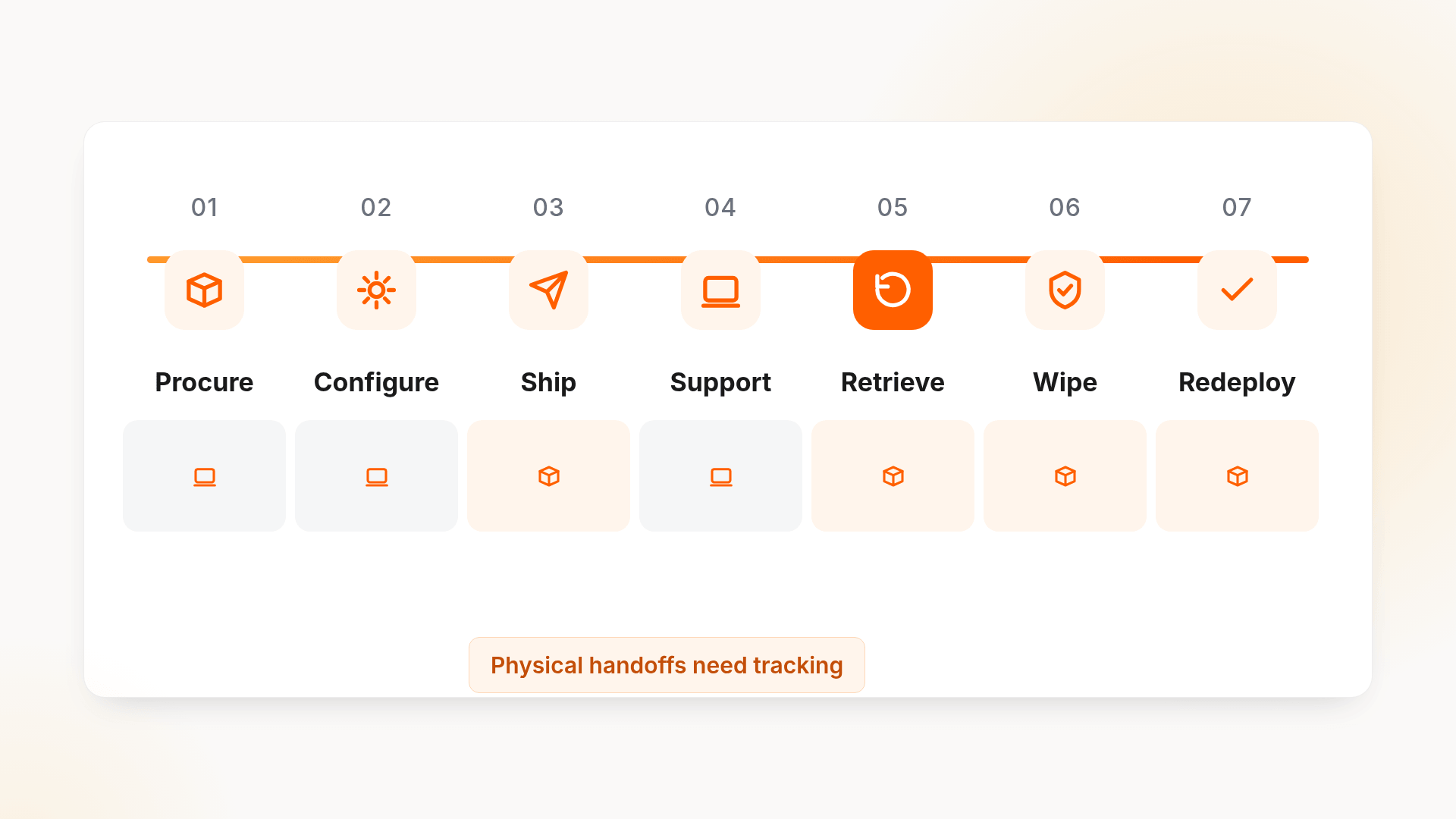
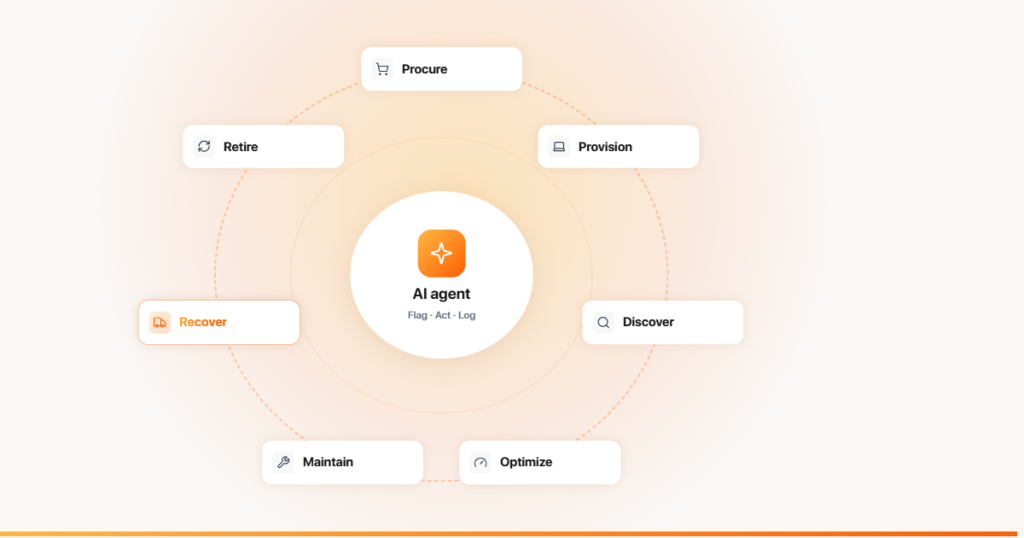
Device lifecycle management for remote teams runs through seven stages:
- Procure against a standard spec, with landed cost known upfront.
- Configure through zero-touch MDM enrollment.
- Ship to the employee’s door before day one.
- Support repairs and swaps, updating the record each time.
- Retrieve when someone leaves or a refresh is due.
- Wipe data to a recognized standard such as NIST SP 800-88.
- Redeploy or dispose through certified (R2 or e-Stewards) recycling or resale.
Software covers stages 2 and 4 well. Stages 3, 5, 6 and 7 are physical, and that is where money and audit risk leak out.
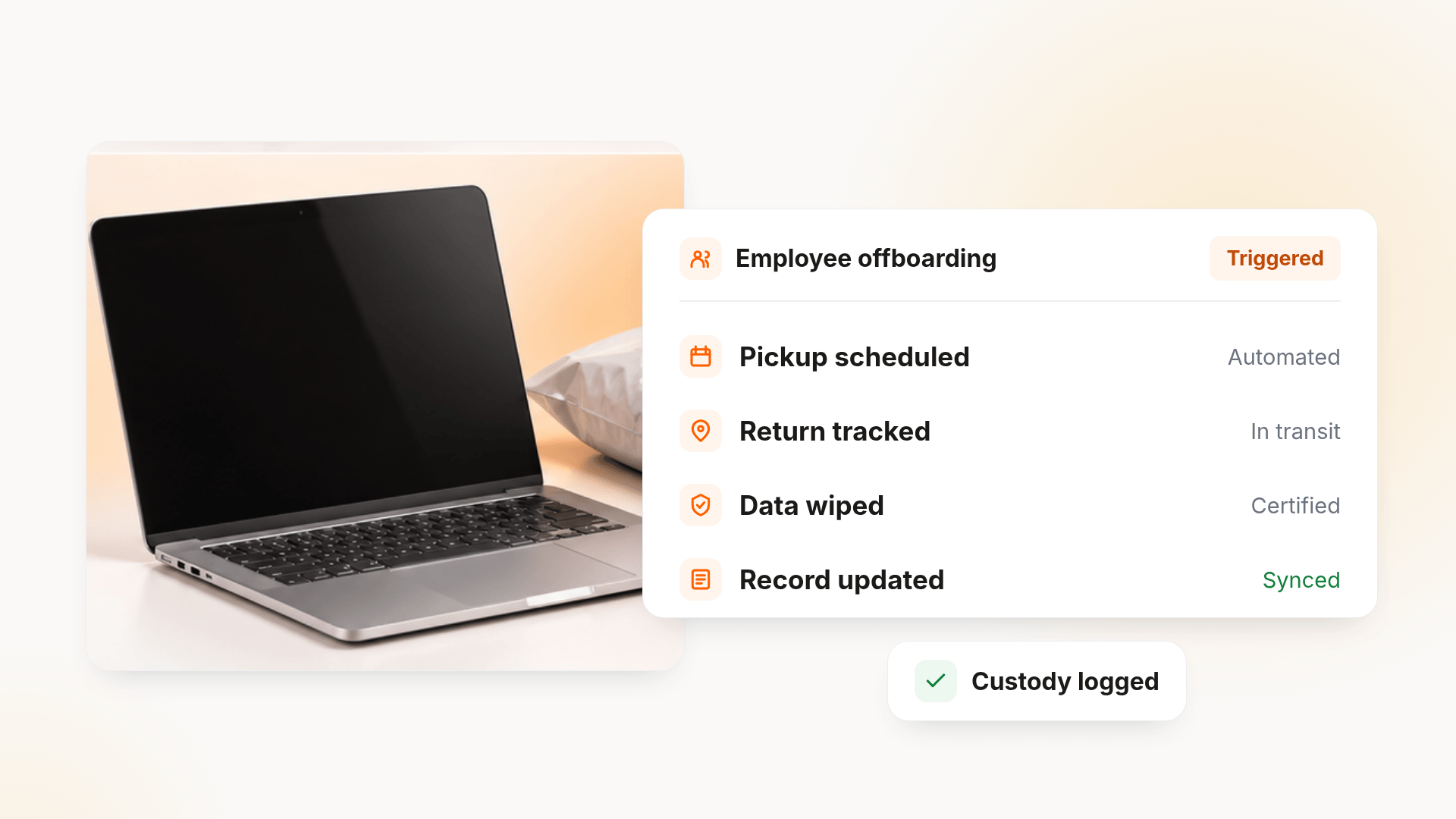
A strong IT asset recovery flow looks like this in practice: the termination date in the HRIS opens a return workflow, a prepaid kit or courier pickup goes out, automated reminders escalate to the manager after a set deadline, and the MDM locks the device if it isn’t back within policy. Once received, the device is graded, wiped, certified and either reissued or retired. For a step-by-step look, see our guide to remote employee equipment return.
What unreturned devices cost a 2,000-person company
Here is a simple model. Turnover, recovery and labor figures are assumptions; replace them with your own.
| Input | Value |
|---|---|
| Annual departures (15% turnover) | 300 |
| Devices not recovered (10%) | 30 |
| Hardware lost (30 × $1,963, Capterra) | $58,890 |
| IT time chasing returns (2 hrs × 300 × $55/hr) | $33,000 |
| Measurable annual cost | About $92,000 |
That figure excludes duplicate purchases from ghost assets, delayed onboarding and breach exposure. For most finance teams, it’s enough to justify fixing the retrieval process before the next refresh cycle.
Capabilities to require in remote asset management software
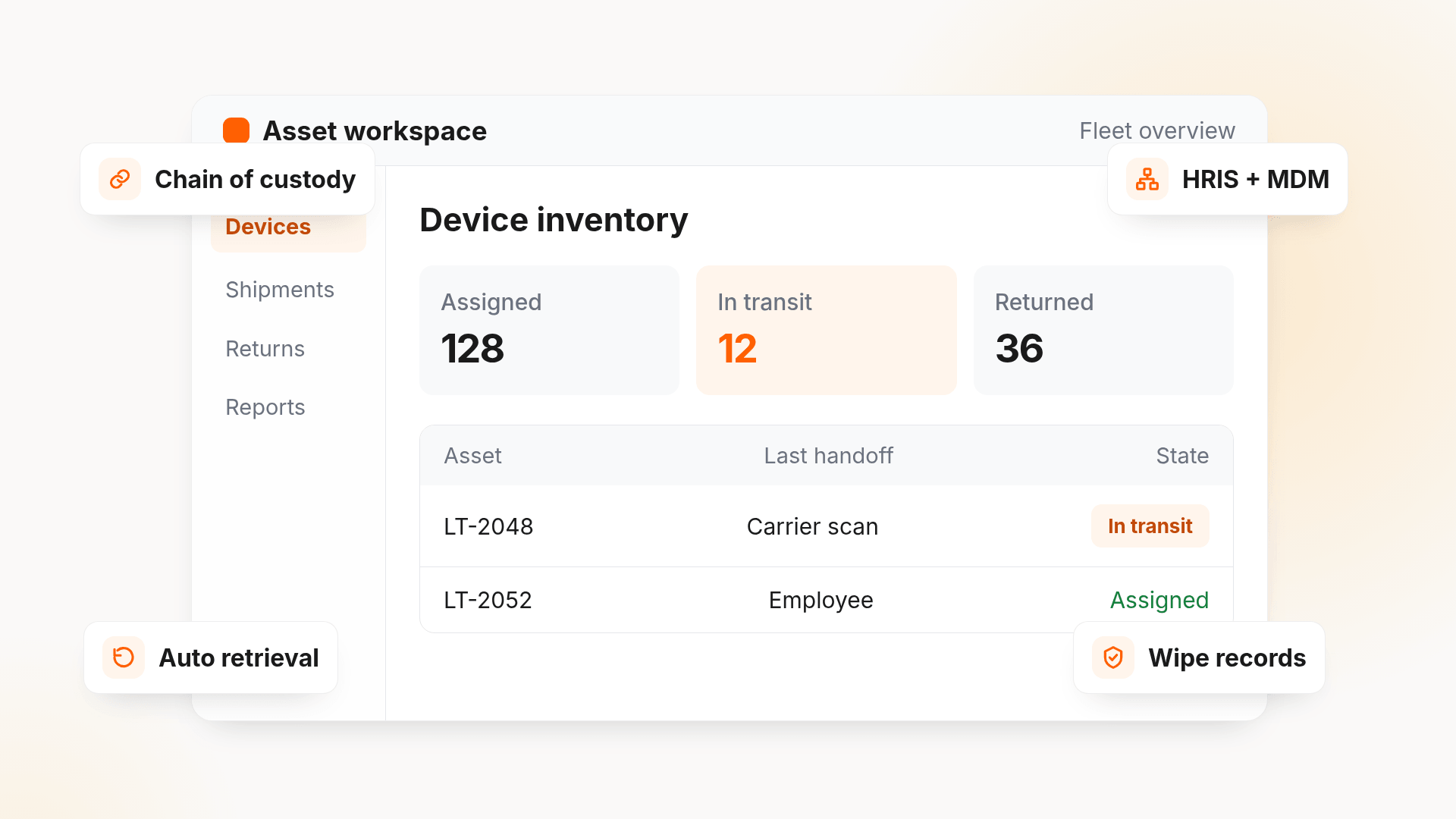
Most IT asset management software handles inventory and reporting well. For distributed teams, the differences show up in the physical layer:
- Chain of custody across vendors: status updates at every handoff, not just at check-in.
- HRIS, MDM and ITSM integrations: hires, exits and tickets update assets automatically.
- Automated retrieval workflows: triggers, reminders and escalation instead of email chasing.
- Global logistics coverage: shipping, customs and returns in the countries where you hire.
- Sanitization records: wipe certificates tied to serial numbers.
- AI-assisted actions: predicted refresh dates, flags for devices that stop checking in, and automated follow-up on late returns.
Before shortlisting, ask each vendor:
- Which countries do you ship to and retrieve from, and who acts as importer of record?
- What is your measured retrieval rate, and how do you define it?
- Which MDM, HRIS and ITSM tools do you integrate with natively?
- Is pricing per device, per user, per service event or a mix?
For very small fleets, a free tool such as Snipe-IT can work as a record. Once you hire across states or countries, retrieval and logistics become the deciding factor.
The laptop nobody was assigned to chase
Unduit is an ITSM and ITAM platform with lifecycle services in 100+ countries. It works alongside your MDM (Jamf, Kandji or Microsoft Intune) and connects with Jira, ServiceNow, Workday, BambooHR and Okta, so it adds the lifecycle layer to the tools you already run rather than replacing them.
Its AI-powered IT agent handles the repetitive parts of remote returns while your team stays in control:
- Automated pickup scheduling: sends reminders and arranges pickups without manual follow-up.
- Real-time tracking dashboard: shows laptops, monitors and peripherals in transit from anywhere.
- Smart inventory updates: logs returned devices, records condition and updates asset records.
- Refurbish and redeploy recommendations: suggests repairs, upgrades or redeployment to recover value.
- Secure chain of custody: logs every step for audits and data security.
- Global support: handles domestic and international shipments to reduce delays.
- Employee-friendly communication: keeps departing employees updated by email, text or phone.
Unduit focuses on mid-market teams, so it’s worth evaluating against your specific countries, volumes and integrations.
Frequently asked questions
Can Microsoft Intune replace ITAM?
No. Intune manages and secures devices and reports hardware inventory, but it doesn’t handle procurement, cost, chain of custody or physical retrieval. Most teams pair it with a dedicated ITAM platform.
How do companies get laptops back from remote employees?
The most reliable method combines an HRIS trigger, a prepaid return kit or courier pickup, automated reminders with escalation, and data wiping once the device arrives.
Is a laptop retrieval service enough on its own?
It solves the shipping step. Check whether it updates your asset system automatically; otherwise, records drift and devices look lost even after they return.
What is the best free asset management software?
Snipe-IT, an open-source tool, is the most common answer. It handles inventory and assignment but leaves shipping, retrieval and disposal to your team.
What should I look for in an ITAD partner?
Data sanitization to NIST SP 800-88, R2 or e-Stewards certification, and disposal certificates tied to each serial number.
Disclosure: Unduit develops ITAM and ITSM solutions, making us an active participant in this market. Vendor features, pricing and coverage can change; confirm current details with each vendor.