An IT team can sign a three-year laptop lease in an afternoon and spend the next three years paying for decisions nobody wrote down. Who collects the device when an engineer in Austin resigns? Who wipes it? Who pays when it never comes back?
Leasing vs buying equipment is usually framed as a finance question. For IT leaders at mid-market companies with hybrid or remote teams, it is just as much an operations question. The payment model changes how a laptop is paid for and accounted for. It does not change the work of procuring, deploying, tracking, recovering and retiring it.
This guide compares both options for laptops and IT equipment, with a 500-device cost model, current 2026 tax rules and the hidden costs that rarely appear in a quote.
TL;DR
- Lease when headcount grows or turns over quickly, you refresh every 2 to 3 years, or you need to preserve cash.
- Buy when headcount is stable, you keep laptops 4+ years and can use Section 179 or bonus depreciation.
- Either way, device management costs more than most teams expect.
| Your situation | Better fit |
|---|---|
| Fast hiring, high turnover, 2 to 3 year refresh | Lease |
| Stable headcount, 4+ year refresh, cash available | Buy |
| Mix of short-tenure and long-tenure roles | Hybrid: lease some, buy some |
What is the difference between leasing and buying equipment?
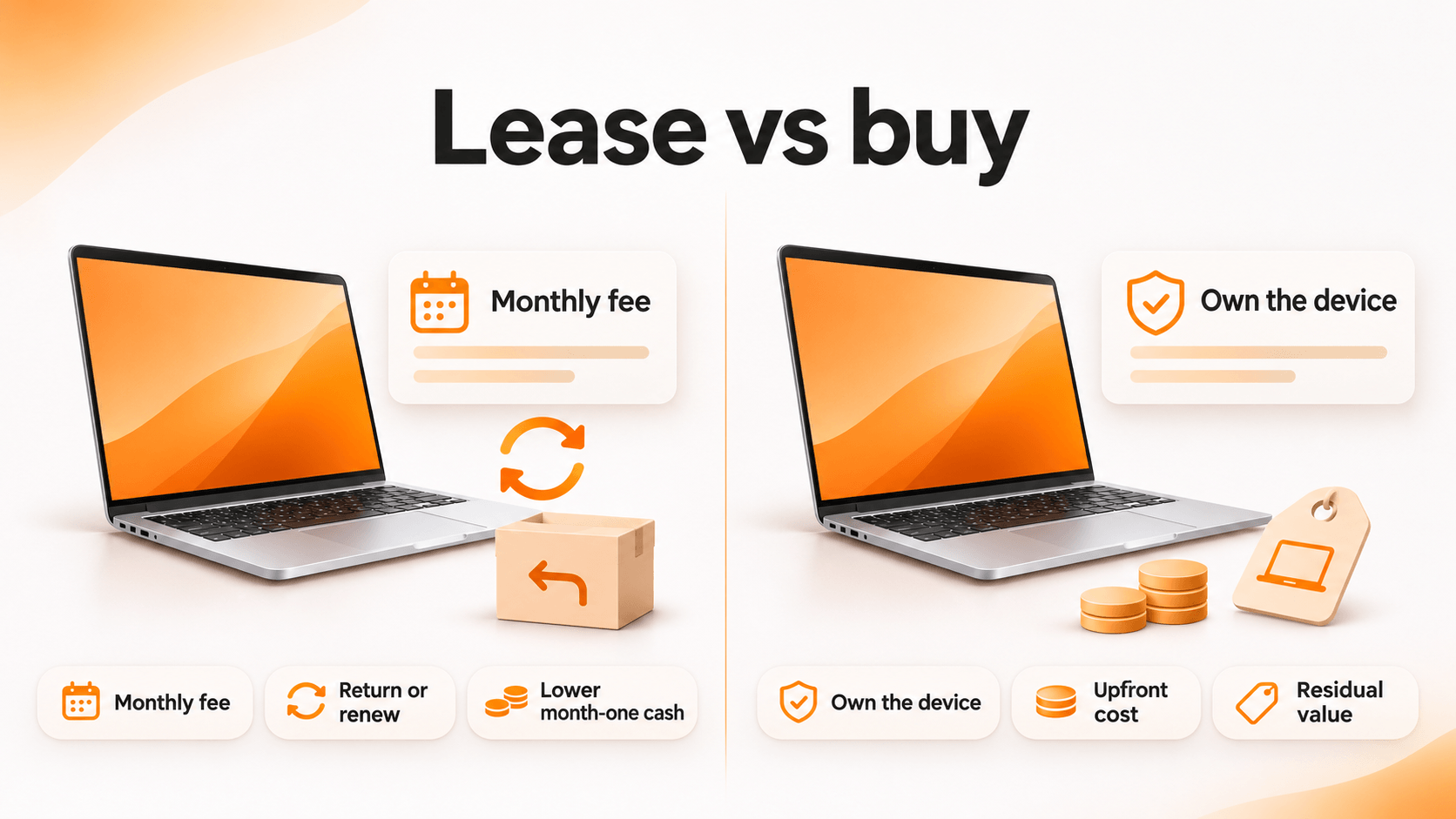
When you buy, you pay upfront (or finance the purchase), own the laptop, depreciate it and keep whatever resale value is left.
When you lease, you pay a lessor a monthly fee for the right to use the laptop over a fixed term, typically 24 to 36 months. At the end, you return it, renew or buy it out.
Common types of equipment leases
- Fair market value (FMV) lease: Lowest monthly payment. At term end, you return the device or buy it at market value. This is the most common structure for laptops because they lose value quickly.
- $1 buyout lease: Higher payments, and you own the device for $1 at the end. It behaves more like financing than renting.
- 10% purchase option: A middle ground with a fixed buyout price.
- Operating vs finance lease: An accounting classification, covered in the tax section below.
What are the benefits of leasing equipment vs buying?
Advantages of equipment leasing
- Low upfront cash. You pay the first month, not the full fleet price.
- Predictable cost per employee. Budgeting becomes a per-device monthly figure.
- A built-in refresh cycle. The term ends before laptops become slow, unsupported or a security risk.
- Easier scaling. A hiring wave adds monthly payments, not a large capital request.
Disadvantages of leasing equipment
- Higher total cost over the term in most scenarios.
- No residual value. You return the asset you paid for.
- Return-condition and lost-device charges that add up quickly with remote staff.
- Early termination penalties if headcount drops mid-term.
Lease vs buy equipment analysis: 500 laptops over 3 years
Most comparisons online model 20 to 50 devices. Here is a mid-market fleet. The figures are illustrative assumptions, so replace them with your own quotes.
Assumptions: $1,400 per laptop; FMV lease at $45 per device per month for 36 months; 20% resale value at year three; 3% of devices never returned (15 units); $75 per device for retrieval and data wiping; $25 per device for resale and ITAD handling.
| Cost item | Lease (FMV, 36 months) | Buy |
|---|---|---|
| Device payments | $810,000 | $700,000 |
| Cash needed in month one | $22,500 | $700,000 |
| End-of-term resale | $0 (devices returned) | -$140,000 |
| 15 unreturned laptops | $15,000 (lessor charges at $1,000 each) | $4,200 (lost resale value) |
| Retrieval and data wiping | $37,500 | $37,500 |
| Resale and ITAD handling | $0 | $12,500 |
| Estimated 3-year total | $862,500 | $614,200 |
| Cost per device per month | $47.92 | $34.12 |
On these assumptions, buying costs about $248,000 less over three years. Leasing, however, keeps roughly $677,500 available in month one for hiring, product or other priorities.
Two variables move the result more than any other: the lease rate and your recovery rate. If 10% of leased laptops never come back instead of 3%, lessor charges rise from $15,000 to $50,000.
What are the tax benefits of leasing vs buying equipment?
Section 179 and bonus depreciation in 2026
Buying lets you deduct much of the cost in year one. For 2026, Section 179 lets businesses expense up to $2,560,000 in qualifying property, with the limit reduced once purchases exceed $4,090,000 (Rev. Proc. 2025-32 analysis). Bonus depreciation is 100% for equipment placed in service during 2026 (Ameris Bank Equipment Finance).
A $700,000 laptop purchase sits well under the Section 179 cap.
Lease payments on FMV and operating leases are generally deducted as a business expense over the term. A $1 buyout lease is often treated as a purchase for tax purposes, so you depreciate the device instead.
Do leased laptops go on the balance sheet?
In most cases, yes. Under ASC 842, lessees record a right-of-use asset and a lease liability for every lease longer than 12 months, operating leases included (KPMG). Lessees can elect to keep leases of 12 months or less off the balance sheet. Several top-ranking guides still claim leases stay off the balance sheet. Under current rules, that is no longer accurate for multi-year laptop leases.
What is the 90% rule in leasing?
It is a classification benchmark. If the present value of lease payments equals roughly 90% or more of the asset’s fair value, the lease is usually treated as a finance lease. ASC 842 uses the phrase “substantially all,” and many companies apply 90% as their threshold, alongside a 75% test for the asset’s economic life.
The hidden costs nobody puts in the quote
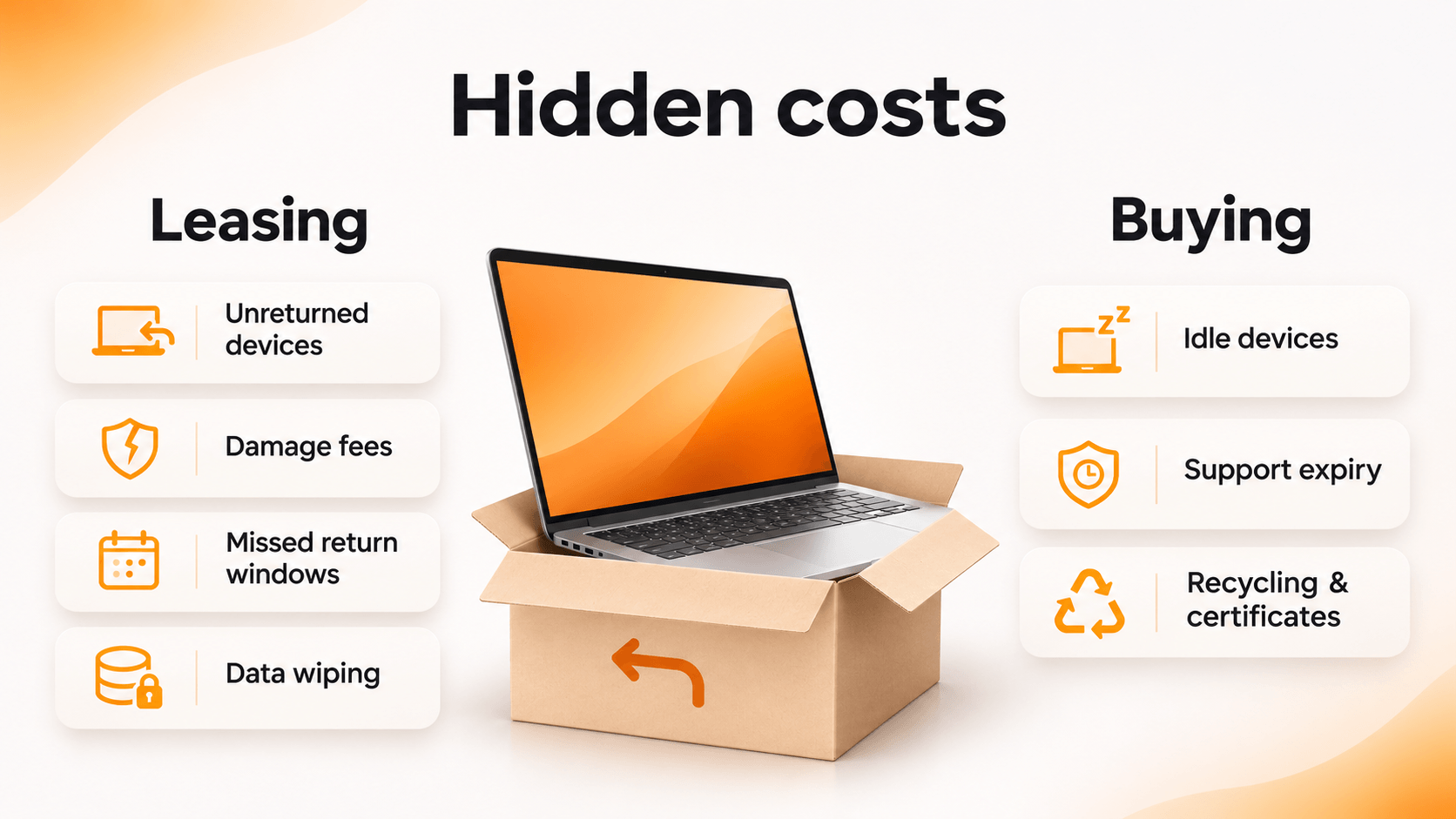
Leasing
- Laptops that never come back from departed remote employees
- Damage and missing-accessory fees at return
- Missed return windows that extend payments at the full monthly rate
- Data wiping before return, which remains your responsibility
Buying
- Idle laptops in closets losing resale value every month
- Devices running past manufacturer support
- Disposal, recycling and certificates of data destruction
In practice, both models fail at the same point: offboarding. A leased laptop that sits in a former employee’s apartment costs you a lessor fee. An owned laptop in the same apartment costs you an asset, and possibly a data exposure.
Lease or buy? A decision framework for IT teams
| Factor | Lean toward leasing | Lean toward buying |
|---|---|---|
| Employee turnover | High | Low |
| Hiring plans | Rapid growth | Stable headcount |
| Refresh cycle | 2 to 3 years | 4+ years |
| Cash position | Preserve cash | Capital available |
| Tax preference | Even deductions over time | Large year-one deduction |
| Device recovery rate | High and tracked | Low or unknown |
The last row matters most. If you cannot reliably recover devices today, leasing turns that gap into a monthly bill.
The Lease Ended in March. The Laptop Is Still in Denver.
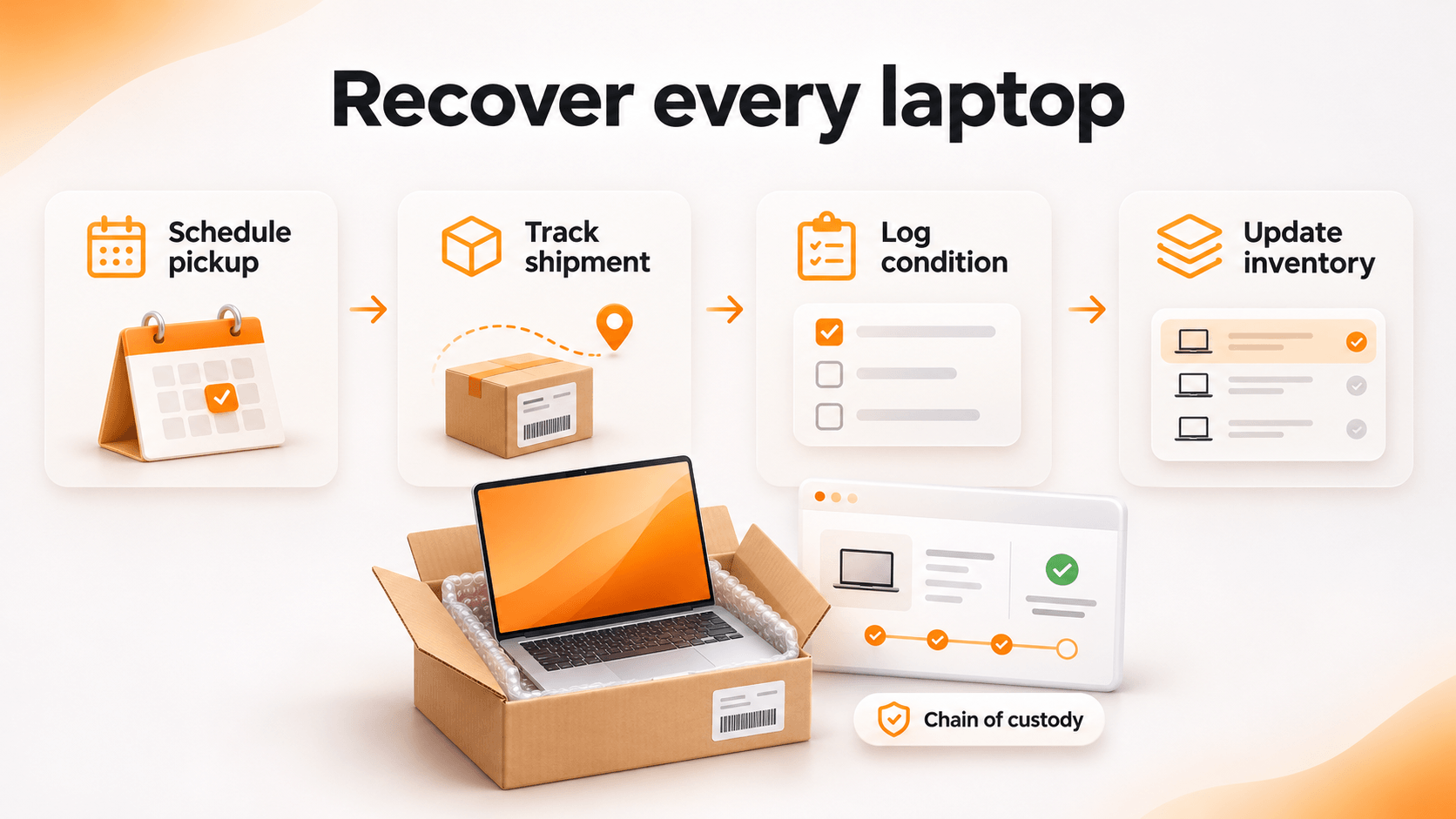
Whether you lease or buy, someone still has to get laptops back from remote employees, wipe them and decide what happens next. With a lease, that work also has a deadline set by the lessor.
Unduit’s AI-powered IT agent automates the repetitive parts of employee laptop returns while keeping IT in control:
- Automated pickup scheduling: Sends reminders and arranges pickups without manual follow-up.
- Real-time tracking dashboard: Monitors laptops, monitors and peripherals in transit from anywhere.
- Smart inventory updates: Logs returned devices, records their condition and syncs with your asset management system.
- Refurbish and redeploy recommendations: Suggests repair, upgrade or redeployment options to protect asset value.
- Secure chain of custody: Logs every step for audits and data security.
- Global support: Handles domestic and international shipments.
- Employee-friendly communication: Keeps departing employees updated by email, text or phone.
FAQ
Is it better to lease or buy laptops for a business?
It depends on turnover, refresh cycle and cash position. Leasing suits fast-growing teams that refresh every 2 to 3 years. Buying usually costs less for stable teams that keep laptops 4+ years.
What are the disadvantages of leasing equipment?
Higher total cost, no residual value, early termination penalties and charges for damaged or unreturned devices.
Do leased laptops go on the balance sheet?
Yes, if the lease runs longer than 12 months. ASC 842 requires a right-of-use asset and a lease liability.
What happens at the end of an equipment lease?
You typically return the equipment, renew the lease or buy it out. Returned laptops should be wiped and documented first.
What is the difference between leasing and renting equipment?
Renting is short-term and flexible, often weeks or months. Leasing is a fixed multi-year contract with lower monthly rates.
How often should a company replace laptops?
Most companies refresh business laptops every 3 to 5 years, depending on performance needs and manufacturer support.