Running a small business often means handling a bit of everything at once, helping customers, bringing in new team members, and making sure all your devices and tools are working properly.
Without a proper system to manage IT issues, things can quickly become messy. Requests get lost in emails, chats, or spreadsheets, and small problems end up taking more time than they should, slowing the whole team down.
IT Service Management tools help you take control of everyday IT work such as:
- Incident and request handling: Track issues and support requests in one place.
- Asset tracking: Know what devices and software you have and when they need replacement.
- Automation: Reduce repetitive manual tasks so your team can focus on higher‑value work.
Small businesses face some common challenges when choosing IT tools:
- For tight-budget enterprises, systems can be too expensive.
- For Remote and hybrid teams work is spread across locations and devices.
- Need to scale tools must grow with your business without huge price jumps.
This guide helps you compare the top ITSM tools and choose the right one for your needs.
How We Evaluated These Tools
We tested each tool with real‑world small business scenarios. Our evaluation was based on:
- Hands‑on testing time: we spent real time using core features.
- Pricing: realistic costs for small teams and budgets.
- Ease of use: how quickly a beginner can get started.
- Features: incident handling, asset tracking, automation, reporting.
Top IT Service Management Tools for Small Businesses
1. Unduit
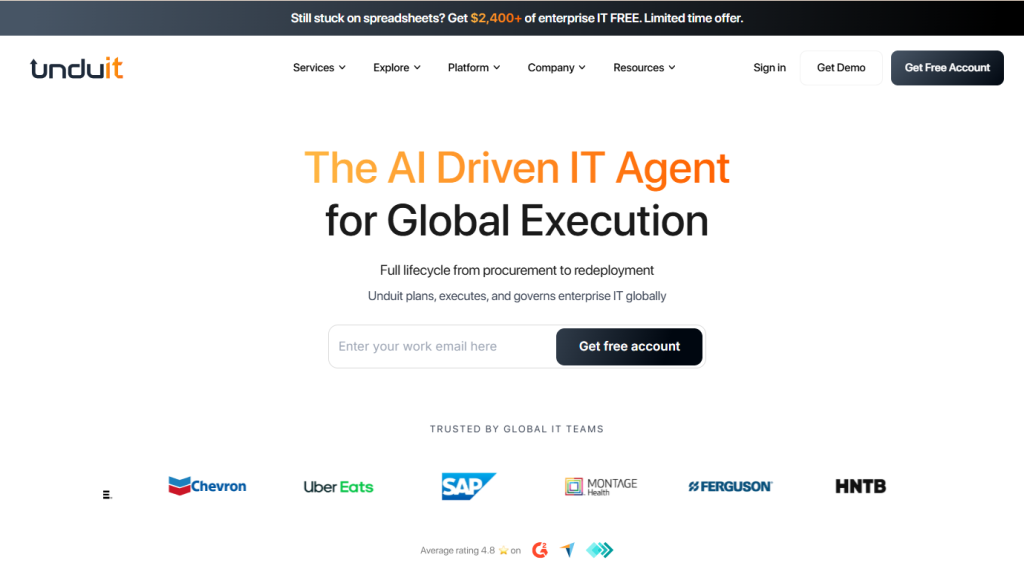
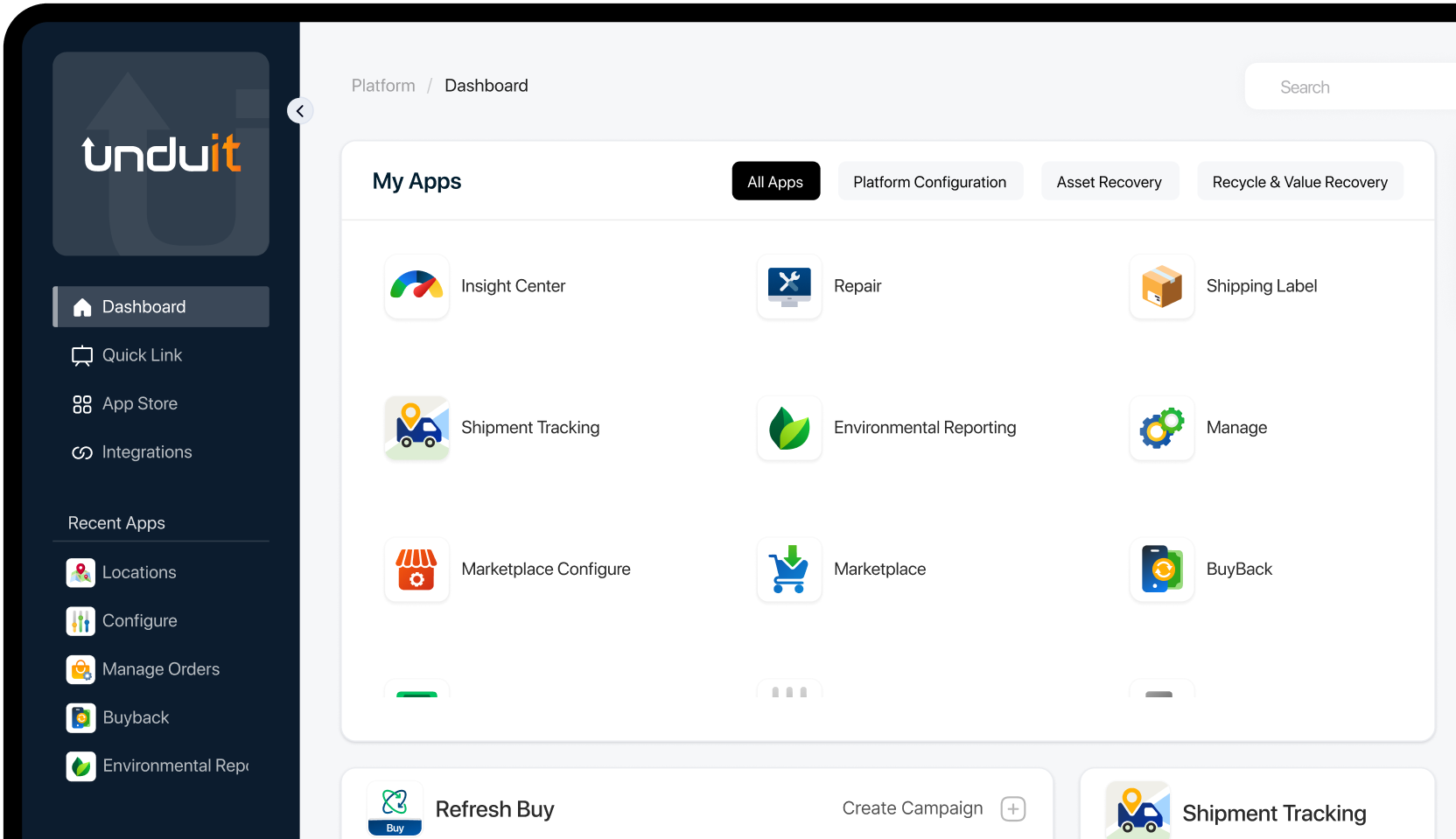
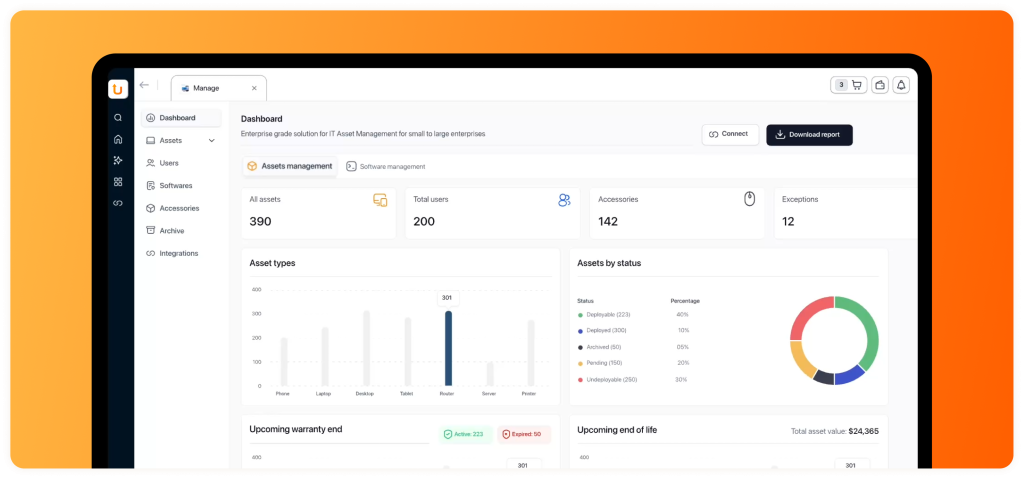
Unduit is an AI-driven IT asset lifecycle management platform combining intelligent automation with comprehensive IT asset lifecycle management. It offers affordable pricing without per-technician traps, pre-built workflows for procurement and disposal
Best for: Small teams that want affordable pricing, built‑in asset lifecycle tracking, and practical automation.
Pricing: Custom pricing
Pros:
- AI automation reduces manual ticket work by 60%+
- Built-in IT asset lifecycle management (procurement to disposal)
- No per-technician pricing; affordable for small teams.
Cons:
- Pricing details require contacting sales.
- Newer tool with a smaller user community.
Why choose: Unduit stands out as a tool that doesn’t complicate basic ITSM yet adds powerful features like asset lifecycle tracking and solid automation. It’s a great starting point if you want more than just ticketing.
2. Jira Service Management
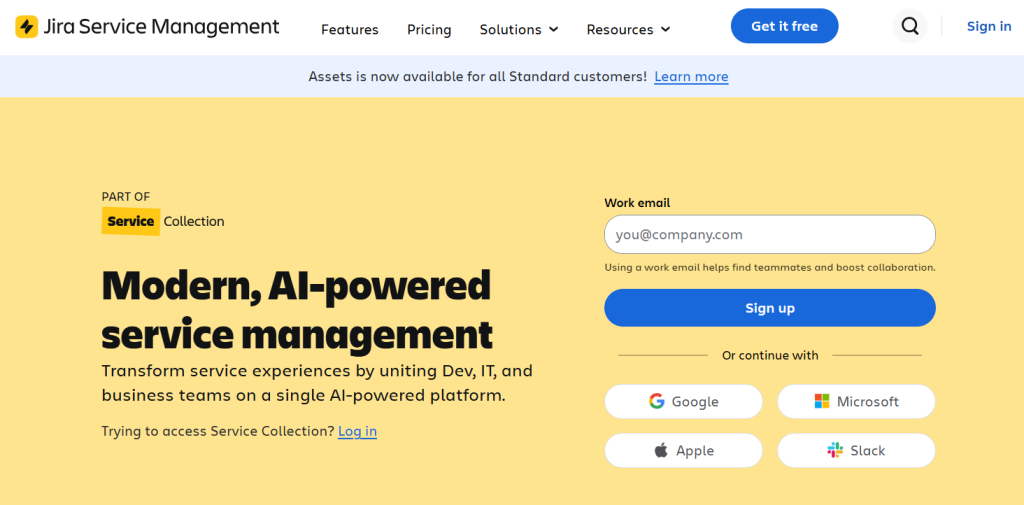
Jira Service Management by Atlassian delivers enterprise-grade ITSM capabilities with powerful DevOps integration and AI-driven incident resolution. It’s especially strong for technical teams who need custom workflows, asset tracking, and seamless collaboration with development tools.
Best for: Small teams that already use Jira or Atlassian products.
Pricing:
- Free tier for up to 3 agents (basic features).
- Standard and Premium paid plans available.
Pros:
- Seamless DevOps integration with Jira Software
- AI-powered incident resolution and asset tracking
- Strong nonprofit discounts and community licensing
Cons:
- Complex setup for non-technical teams
- Per-technician pricing can get expensive quickly
Why choose: If your team already uses Jira or Atlassian tools, this is a natural choice that combines issue tracking with service management.
3. Freshservice
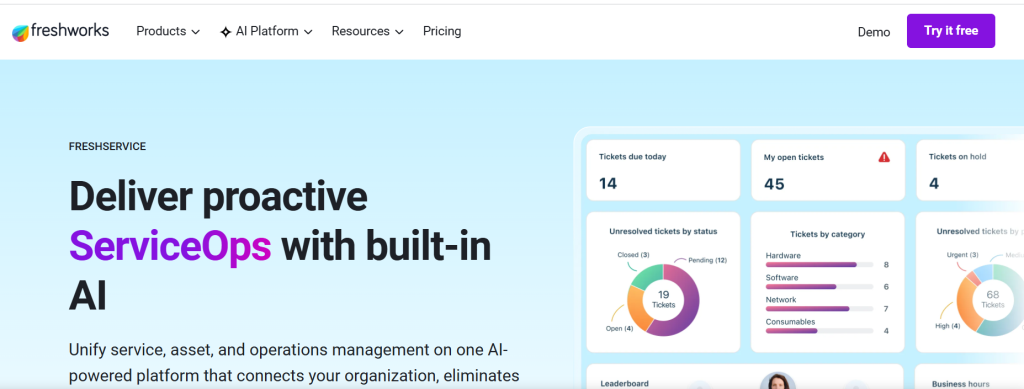
Freshservice from Freshworks is a user-friendly, cloud-based ITSM tool designed for small to mid-sized businesses seeking simplicity without sacrificing power. It features an intuitive service catalogue, automated ticket routing, asset management, and AI-powered recommendations to speed up resolution times.
Best for: Small‑to‑mid‑sized companies wanting a straightforward, clean interface.
Pricing: Tiered plans with per‑agent pricing, free trials available.
Pros:
- Clean, intuitive interface
- Quick deployment
- AI-powered ticket routing and asset management included
Cons:
- Limited customization for complex workflows
- No advanced monitoring features natively
Why choose: Good balance of features and simplicity for teams new to ITSM.
4. SysAid
SysAid is an all-in-one ITSM platform that combines help desk, asset management, monitoring, and advanced automation into a single dashboard. It offers powerful workflow automation, proactive device monitoring, and a knowledge base to reduce repeat tickets.
Best for: Teams that want powerful workflow automation alongside help desk and asset tracking.
Pros:
- All-in-one: help desk + asset management + monitoring
- Powerful automation reduces repetitive tickets
- Proactive device monitoring prevents issues
Cons:
- Interface feels dated compared to modern tools
- Higher price point for small teams
Why choose: Solid option if automation matters and you expect your needs to grow.
5. SolarWinds Service Desk
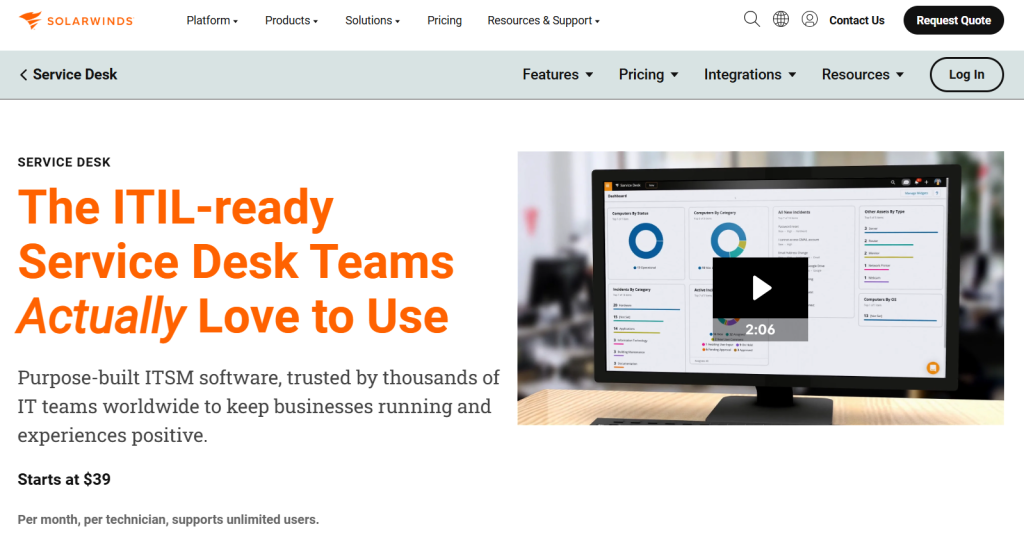
SolarWinds Service Desk is a cloud-based ITSM solution focused on IT asset management and task automation for small teams. It provides real-time asset tracking, automated workflows, and integration with popular monitoring tools to streamline IT operations.
Best for: Teams that prefer a cloud solution with broad feature coverage.
Pros:
- Strong cloud-based IT asset tracking
- Easy automation workflows for common tasks
- Integrates well with SolarWinds monitoring tools
Cons:
- Limited AI features compared to Undit/Freshservice
- Pricing unclear
Why choose: Best for teams that want a “set and forget” cloud platform.
6. BMC Helix ITSM
BMC Helix ITSM brings enterprise-level AI-enabled ITSM capabilities to smaller organizations through scalable cloud plans. It supports change management, service request automation, and release management with intelligent predictions for incident prevention.
Best for: Small businesses planning fast growth and needing enterprise‑grade features.
Pros:
- Enterprise-grade AI and predictive incident prevention
- Scalable cloud plans for growing businesses
- Full change/release management support
Cons:
- Complex implementation (weeks, not days)
- Expensive for true small businesses (<20 employees)
Why choose: Useful when your business plans to scale rapidly and adopt strict IT workflows.
7. InvGate Service Management
InvGate Service Management is a customizable, user-friendly ITSM platform with strong automation features tailored for small businesses. It enables cross-departmental workflows for IT, HR, and Finance while embedding AI for predictive insights and governance compliance.
Best for: Those who want customization and cross‑department workflows.
Pros:
- Cross-departmental workflows (IT + HR + Finance)
- User-friendly with fast onboarding
- AI embedding for predictive insights
Cons:
- Smaller vendor with less documentation
- Limited third-party integrations
Why choose: A solid mid‑range choice with flexibility.
8. Spiceworks
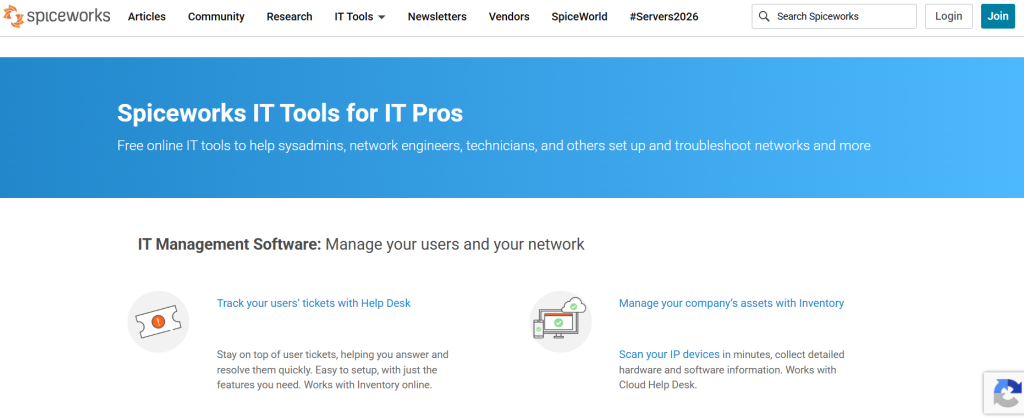
Spiceworks is a cloud help desk tool that combines standard ITSM features with unique diagnostic and network monitoring capabilities. It includes incident management, change tracking, knowledge base management, and real-time device diagnostics to identify issues before they escalate.
Best for: Very small teams that need basic ticketing without a high cost.
Pros:
- Built-in network diagnostics and monitoring
- Cloud-based with no server setup needed
- Good value for combined help desk + monitoring
Cons:
- ITSM features are less robust than Jira/Freshservice
- UI not as polished as modern competitors
Why choose: Great starter option with minimal upfront cost.
9. ManageEngine ServiceDesk Plus
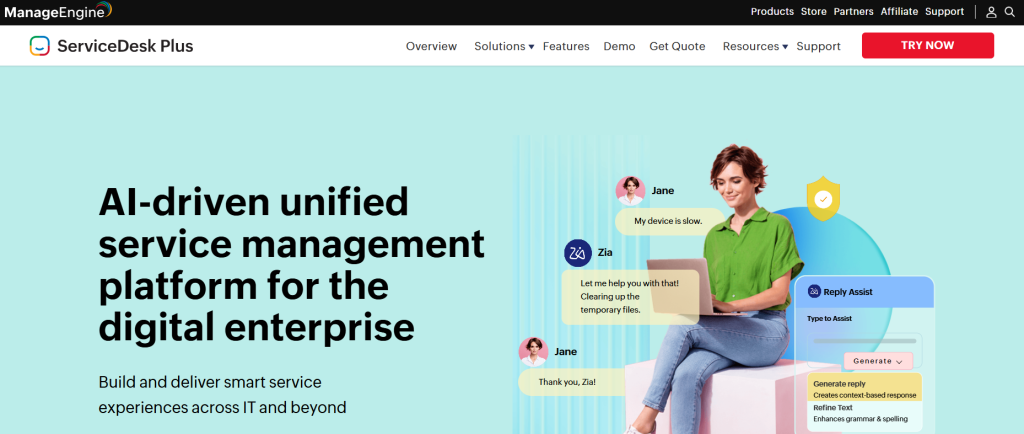
ManageEngine ServiceDesk Plus offers AI-driven unified service management with per-technician pricing that’s affordable for single-tech teams. It features smart service experiences, automated ticket routing, asset lifecycle tracking, and integration with Zoho’s ecosystem. Its cost-effective model makes enterprise-grade ITSM accessible to micro-businesses.
Best for: Teams watching budget but needing core ITSM features.
Pros:
- Per-technician pricing affordable for 1–2 tech teams
- AI-driven unified service management
- Zoho ecosystem integration handy for small biz
Cons:
- Interface feels cluttered with features
- Limited advanced automation compared to Unduit
Why choose: Cost‑effective and dependable.
10. TOPdesk
TOPdesk is a basics-focused ITSM platform that simplifies service desk operations without overwhelming users with complex features. It delivers consistent service delivery through streamlined ticket management, asset tracking, and clear workflow visualization.
Best for: Teams that want the basics done well.
Pros:
- Fast setup (hours, not days)
- Consistent service delivery visualization
Cons:
- No AI or advanced automation features
- Too basic for teams needing workflow customization
Why choose: Straightforward tool for basic ITSM needs.
Choosing the right ITSM tool doesn’t have to be hard. For most small businesses:
- Start simple: Pick a tool that matches your core needs today.
- Think about growth: Choose something that scales without massive price jumps.
- Try before you buy: Use free tiers or trials when available to test real workflows.
With the right ITSM platform, your IT team can spend less time on manual work and more time helping your business succeed.
Streamline IT Service Management with Unduit
Automate requests, manage assets, and deliver better IT support from one platform.
Get demo