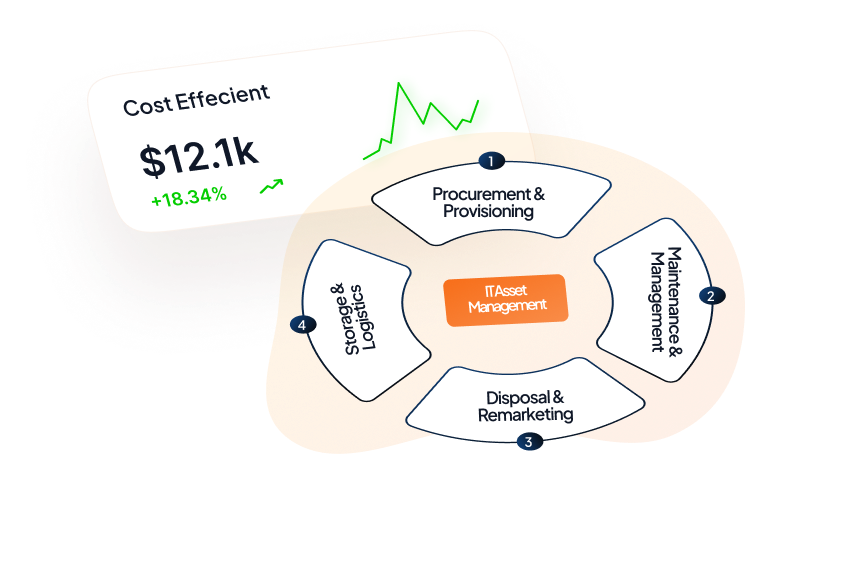
What if 70% of your devices went missing? That’s the harsh reality for many businesses, leading to huge financial losses. That’s where IT management software comes in, offering a way to streamline operations, boost efficiency, and ensure compliance.
Key Takeaways
- IT management software streamlines operations, tracks assets, and reduces downtime.
- Scalable platforms like Unduit grow with your business needs, offering flexibility.
- Essential features include real-time asset tracking, automation, and AI-powered maintenance.
- IT management software ensures compliance and enhances overall business efficiency.
IT management software is designed to help businesses oversee their entire IT ecosystem, from assets and inventory to service management. By implementing the right solutions, companies can move away from manual tracking, reduce downtime, and mitigate compliance risks.
What is IT Management Software?
IT management software is a comprehensive suite of tools that help organizations manage their IT infrastructure. Over time, these tools have evolved from basic systems for tracking hardware to advanced AI-driven platforms that offer predictive maintenance, real-time monitoring, and automation for complex workflows.
Key categories of IT management software include:
- IT Asset Management Software: Tools designed to help businesses track their IT assets throughout their lifecycle, ensuring that everything from hardware to software is accounted for and properly maintained.
- IT Inventory Management: Software for tracking stock, managing orders, and maintaining a detailed record of IT assets.
- IT Service Management (ITSM): Solutions aimed at managing IT services, ensuring that customer support, ticketing, and help desk systems are streamlined and effective.
Key Features to Look for in the Best IT Management Software
When selecting IT management software, it’s essential to prioritize features that align with your specific business needs. Here’s a breakdown of the key features to look for:
| Feature | Description |
|---|---|
| IT Asset Tracking | Keep track of assets in real-time and monitor their lifecycle. |
| IT Asset Management System | Manage asset allocation, maintenance, and depreciation. |
| IT Inventory Management | Track stock levels, receive alerts on low inventory, and manage orders. |
| IT Project Management Software | Automate workflows, assign tasks, and track project progress in real time. |
| Compliance & Reporting | Ensure your software adheres to regulatory standards like GDPR, SOC 2, etc. |
| Integrations | Seamless integration with other platforms like ERP and HRIS. |
| AI for Predictive Maintenance | Leverage AI to predict issues before they become serious problems. |
Top IT Management Software Solutions for 2026
After evaluating numerous tools in the market, we’ve compiled a list of the top 10 IT management software solutions for 2026. These platforms excel in asset tracking, inventory management, and service management.
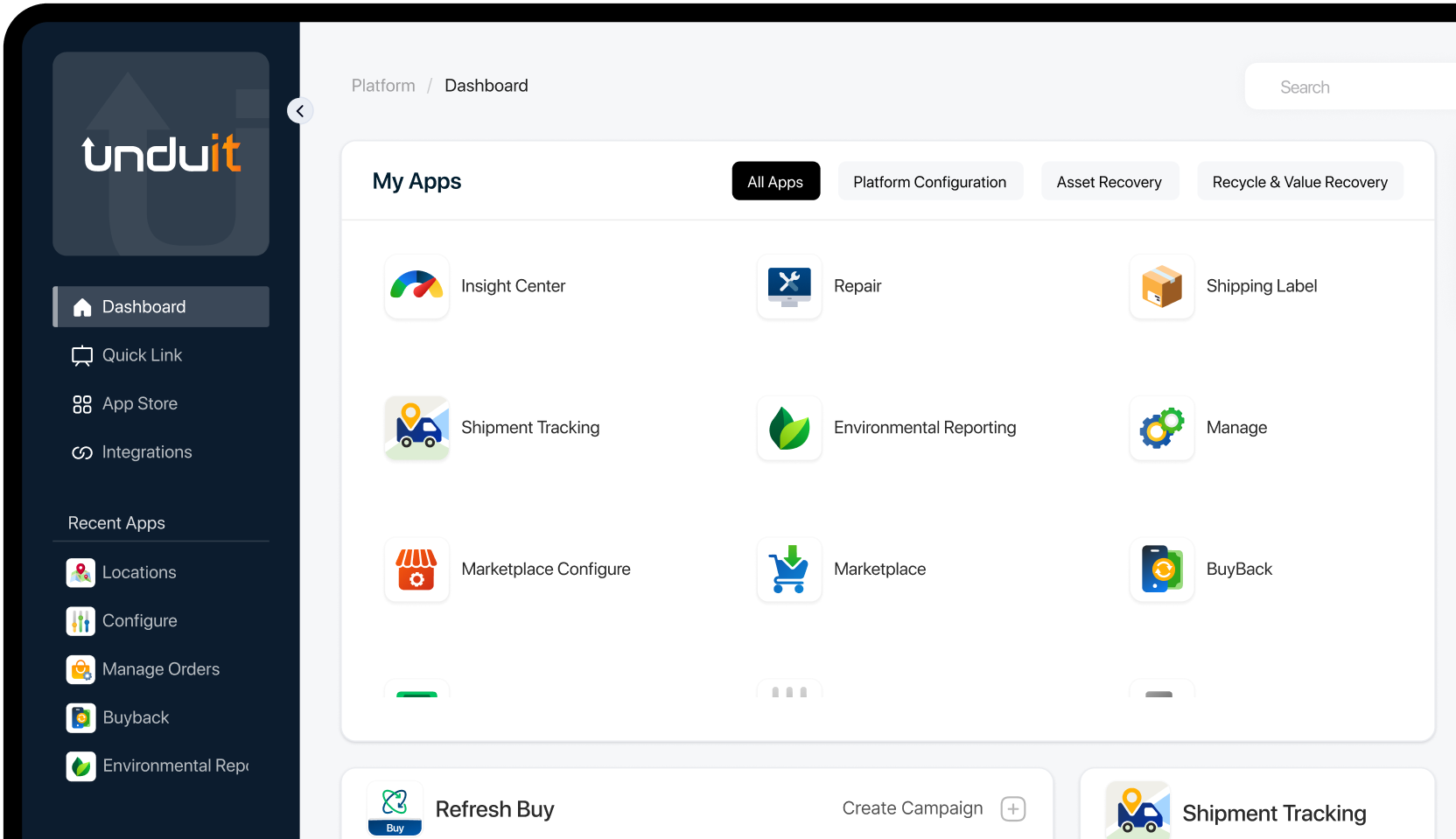
1. Unduit: Best IT Asset Management Platform
Pros:
A comprehensive solution that covers IT asset tracking, IT inventory management, and IT service management. Unduit is a scalable platform, making it perfect for both small businesses and large enterprises.
Cons:
May require some time for teams to fully adapt due to its robust feature set.
Pricing:
Custom pricing based on usage.
Verdict:
Unduit is ideal for businesses seeking an all-in-one IT management solution that grows with them.
2. ServiceNow: Best IT Service Management Software
Pros:
Renowned for its IT service management (ITSM) capabilities. ServiceNow offers robust ticketing, asset tracking, and workflow automation.
Cons:
It can be complex and pricey for smaller businesses.
Pricing:
Custom pricing based on usage.
Verdict:
Best suited for large organizations needing extensive IT service management features.
3. Flexera: Best IT Asset Management Tool for Enterprises
Pros:
Specializes in IT asset management, offering features like lifecycle management, license compliance, and optimization.
Cons:
Can be overwhelming for small businesses due to its advanced features.
Pricing:
Custom pricing based on usage.
Verdict:
Perfect for enterprises looking for a comprehensive IT asset management solution.
4. Snipe-IT: Best IT Inventory Management Software
Pros:
Open-source, cost-effective solution perfect for small businesses. Includes asset tracking, depreciation management, and customizable reporting.
Cons:
Limited features compared to larger, paid platforms.
Pricing:
Free for the basic version.
Verdict:
Best IT inventory management software for small businesses on a budget.
5. Jira: Best IT Project Management Software
Pros:
Offers powerful project management tools, task automation, and seamless integrations with other Atlassian products.
Cons:
A steep learning curve for non-technical teams.
Pricing:
Starts at $7 per user/month.
Verdict:
Best for IT project management and complex business workflows.
6. Zendesk: Top IT Service Management Tool
Pros:
Excellent for IT help desk software, Zendesk offers a user-friendly interface with asset management and ticketing solutions.
Cons:
Pricing can add up with larger teams.
Pricing:
Starts at $19 per agent/month.
Verdict:
Ideal for businesses seeking a robust IT help desk software with asset management.
7. Lansweeper: Best IT Asset Management Solution
Pros:
Powerful IT asset management system that scans networks and provides detailed reports on hardware and software.
Cons:
Some advanced features may require technical expertise.
Pricing:
Starts at $495/year.
Verdict:
Best for businesses requiring a deep dive into IT asset management.
8. ConnectWise: Best Managed IT Services Software
Pros:
Designed for managed service providers (MSPs), it offers a wide range of IT management tools, including monitoring, patch management, and ticketing.
Cons:
Primarily suited for MSPs rather than in-house IT teams.
Pricing:
Custom pricing based on usage.
Verdict:
Best for MSPs looking for managed IT services software.
9. Microsoft SCCM: Top IT Management Systems for Scale
Pros:
A reliable enterprise IT management software for large-scale organizations, Microsoft SCCM excels at asset management, patching, and compliance.
Cons:
Can be complex to set up and manage.
Pricing:
Custom pricing based on enterprise needs.
Verdict:
Ideal for large organizations seeking an enterprise IT management software with scalability.
How to Choose the Right IT Management Software
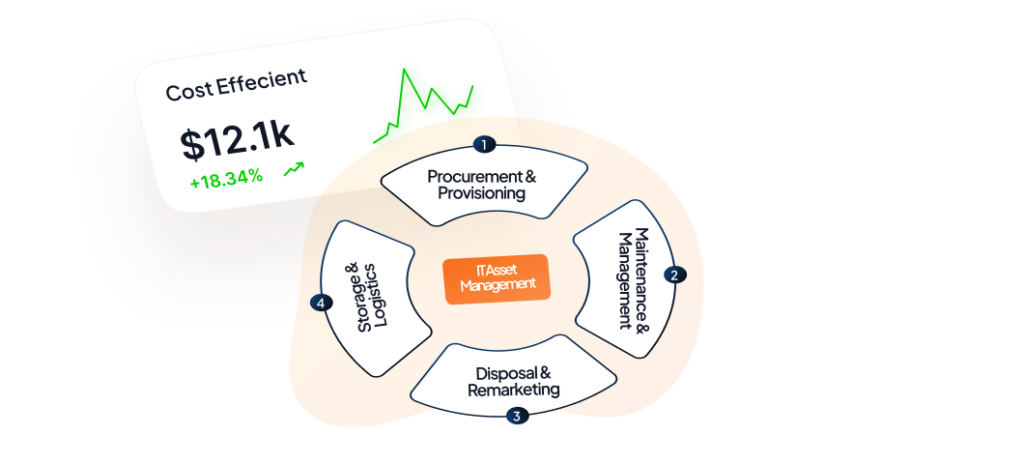
- Assess Your Needs: Are you looking for IT asset tracking or a full-service ITSM solution? Define your priorities.
- Consider Your Budget: When considering budget, Unduit offers a cost‑effective investment for growing teams by combining IT asset tracking, service management.
- Evaluate Integrations: Ensure your IT asset management software integrates with other business tools like ERP and HRIS.
- Security and Compliance: Choose software that meets compliance standards like GDPR or SOC 2.
When it comes to choosing the right IT management software, Unduit stands out as a highly versatile and powerful option. It combines IT asset tracking and service management into one easy-to-use platform, making it perfect for businesses that need an all-in-one solution.
FAQs
Q1: What is IT management software and how can it improve my business?
IT management software streamlines operations by managing IT assets, service requests, and inventory. It enhances efficiency, reduces downtime, and improves compliance. An integrated platform makes it easier for businesses to manage their IT infrastructure, whether small or large.
Q2: How does IT asset management software benefit businesses?
IT asset management software helps businesses track their assets throughout their lifecycle, ensuring nothing is lost or underutilized. It reduces inefficiencies, optimizes resource allocation, and helps maintain compliance with regulatory standards, all while improving overall IT governance.
Q3: What features should I look for in an IT asset tracking software?
When evaluating IT asset tracking software, consider real-time tracking, automated lifecycle management, integration with business systems, and alerts for asset condition or location changes. A strong asset tracking system will improve visibility and help ensure efficient operations.
Q4: Can IT management software scale with my growing business needs?
Yes, IT management software is designed to scale with your business. Whether you’re a small startup or a large enterprise, modern IT management systems adapt to handle increasing demands, offering features like asset tracking, service management, and automation, all while keeping costs manageable.
Q5: How does IT service management software improve customer service?
IT service management (ITSM) software improves customer service by centralizing support requests, automating ticketing systems, and streamlining workflows. This leads to quicker response times, better issue resolution, and enhanced customer satisfaction, ensuring that IT teams can address issues more efficiently.
Q6: What are the benefits of using an IT management platform for small businesses?
For small businesses, an IT management platform simplifies operations by consolidating asset tracking, service management, and inventory control into one system. It reduces human error, ensures better asset visibility, and helps businesses stay compliant with regulations, all while maintaining cost efficiency.
Q7: How can IT management systems reduce downtime for my business?
IT management systems help reduce downtime by proactively monitoring systems and identifying potential issues before they cause disruptions. Real-time alerts, automated patch management, and predictive maintenance features all contribute to minimizing unplanned outages and maintaining continuous business operations.